Families
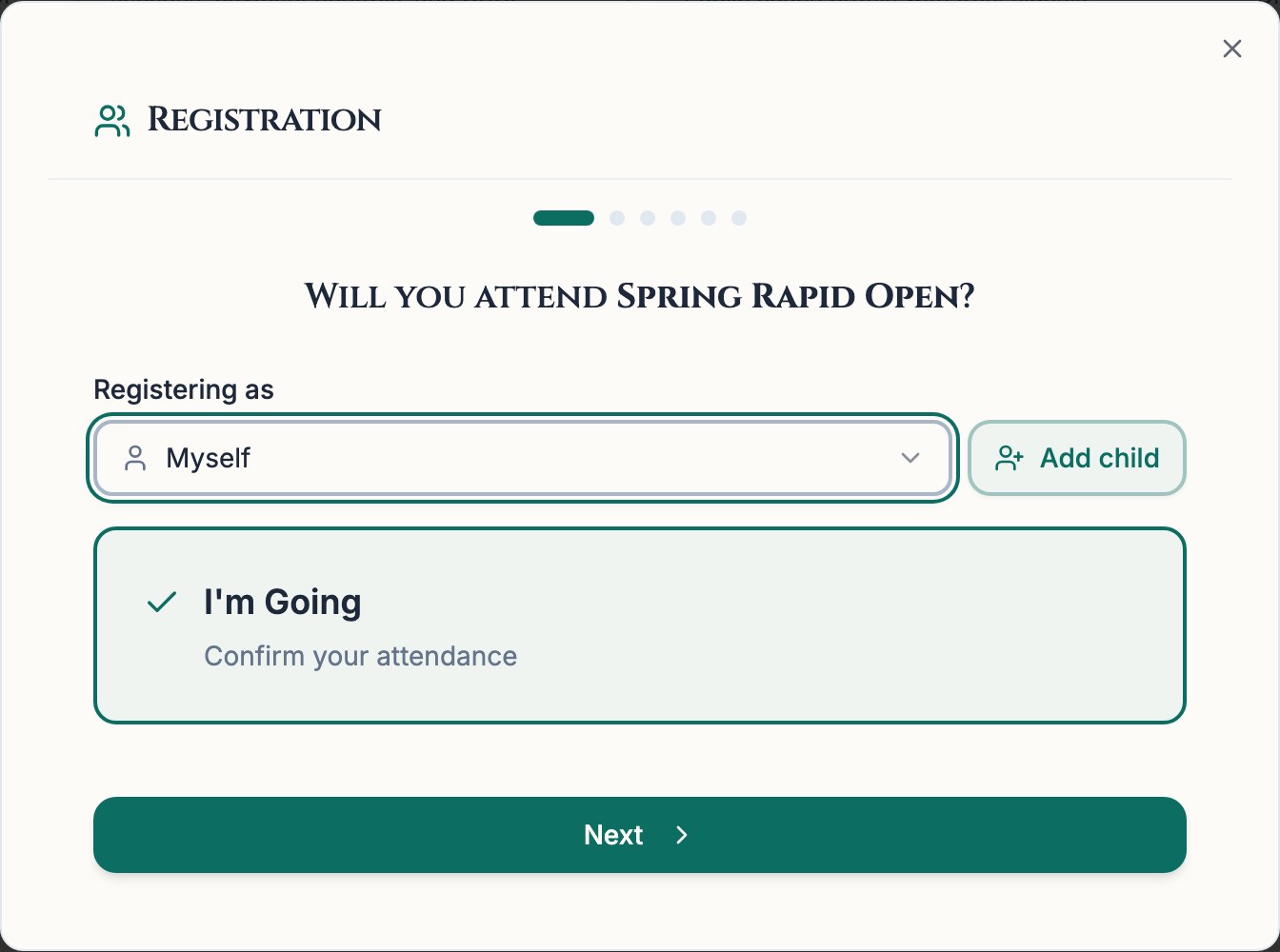
KingRegistration can fill player details from a US Chess ID or name lookup. Chess67 also saves child profiles under a parent account for family checkout. Reusable family accounts weren't confirmed in KingRegistration's documentation.
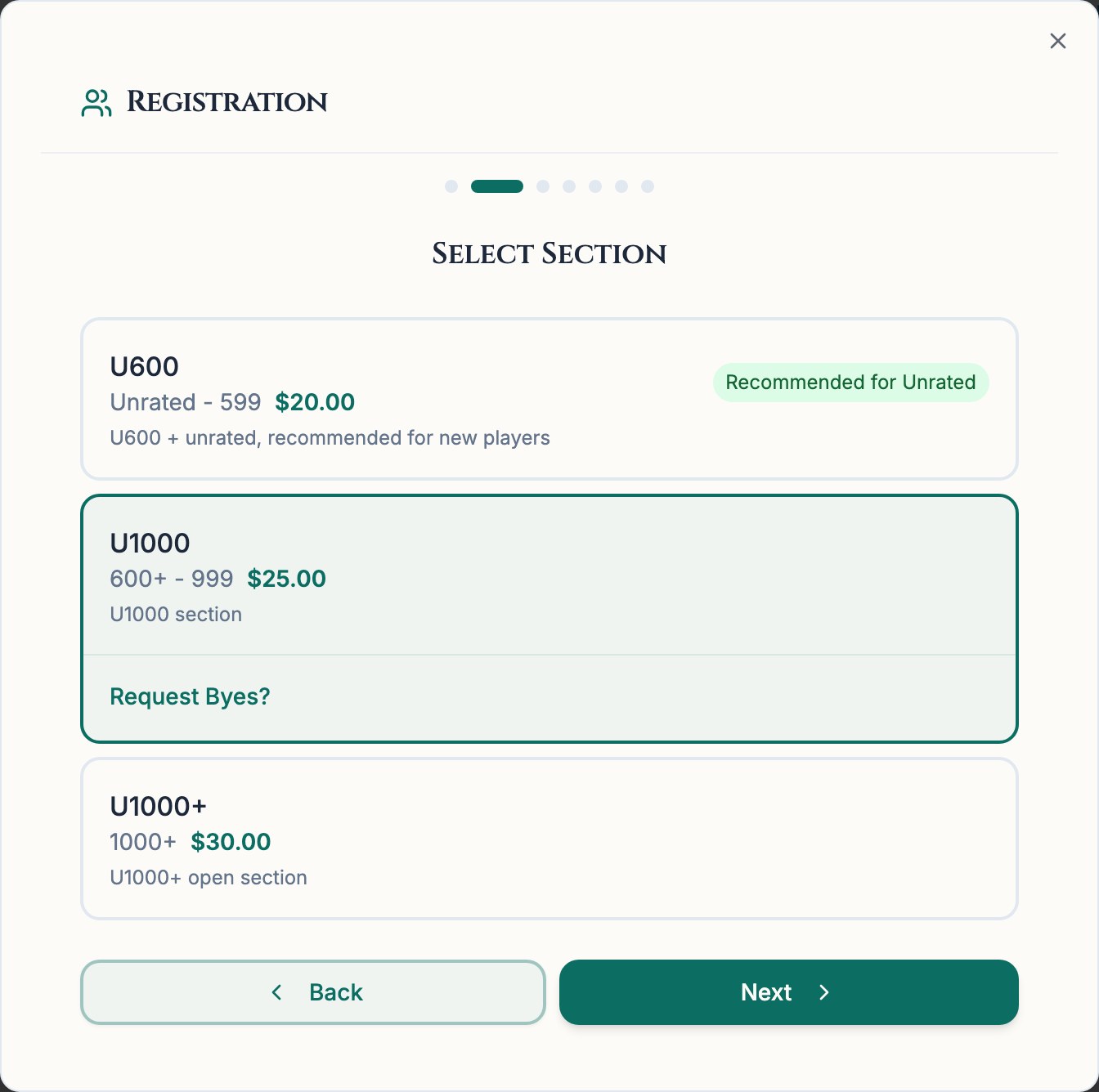
KingRegistration is a registration and payment service for chess tournaments. Players can look up US Chess records, choose sections, request byes, and view published pairings and results.
Chess67 handles signup along with its own pairings, check-in, and result entry. It also saves family profiles and club member history, with messaging for announcements between events.
Both provide online registration and public results. Chess67 also documents a built-in pairing engine, family accounts, and club messaging. We couldn't confirm KingRegistration's private admin features.
Try Chess67 for one event. Check registration, pairings, and reporting before moving other events from KingRegistration.
| Fact | Chess67 | KingRegistration |
|---|---|---|
| What it is | Web platform for chess clubs and tournaments: registration, payments, pairings, standings, and member management | Chess tournament registration and payment service |
| Runs on | Browser on a phone, tablet, or computer | Browser registration and results; mobile admin controls not verified |
| Price | No required core subscription*; standard 2% on processed sales plus processor fees; optional paid club plans | Organizer pricing not published on the pages reviewed; request current terms |
| Payments | Stripe or PayPal checkout, subject to merchant, currency, and purchase eligibility; Venmo for eligible US/USD transactions | Collected at signup |
| Formats & reporting | Swiss, round robin, double round robin, quads, single elimination, and double elimination; USCF tiebreaks and rating report export; FIDE TRF preparation | Hosted pairings and results; native pairing engines and rating-file exports not verified |
| Best for | School and club programs that need family registration and member records | Organizers keeping their current tournament software |
KingRegistration didn't publish a fee schedule on the pages we checked. Event entry prices, donations, and refund charges don't reveal its platform fee. Ask for a quote covering platform and processing charges.
Sources and review notes*Core club and tournament tools have no subscription fee. Chess67's standard fee is 2% on processed sales, plus payment processing. Optional paid club plans increase messaging, member insight, and custom page limits. See the pricing page. Eligible nonprofits can apply for discounted processing rates; see Stripe's eligibility requirements.
The free Pawn plan includes an unlimited roster, 500 emails and 50 SMS per month, insights for 50 families (linked children included), and one custom club page. Paid plans raise these limits and add unlimited pages and Offline Mode (beta) for tournaments. Messages remain subject to recipient preferences and delivery restrictions.
Venmo appears only where PayPal marks it eligible: US merchant and buyer, USD checkout, supported browser/device, and the Venmo app installed. PayPal eligibility docs
Chess67 uses the same roster for registration, pairings, and results. Directors review and submit rating reports outside Chess67. Joining a club during signup is optional.
Markers show where a product or its companion service has relevant features. This does not mean it includes every Chess67 feature listed; check the comparison notes for details.
Player profiles retain registration history. Players can also join eligible clubs during signup; registration alone does not create a club membership.
KingRegistration: KingRegistration handles registration and publishes tournament reports. The tournament-stage marker refers to those reports; a built-in pairing engine wasn't verified.
KingRegistration can fill player details from a US Chess ID or name lookup. Chess67 also saves child profiles under a parent account for family checkout. Reusable family accounts weren't confirmed in KingRegistration's documentation.
KingRegistration hosts pairings and standings produced by SwissSys. Its own pairing controls weren't verified. Chess67 generates pairings and manages byes, check-in, results, and standings from the registered roster.
Chess67 retains family profiles and club member history between events. Club organizers can message members about the next tournament, within plan allowances and recipient preferences.
Screenshots show the pages linked below and may include older prices or features. Use the dated source notes for current details.
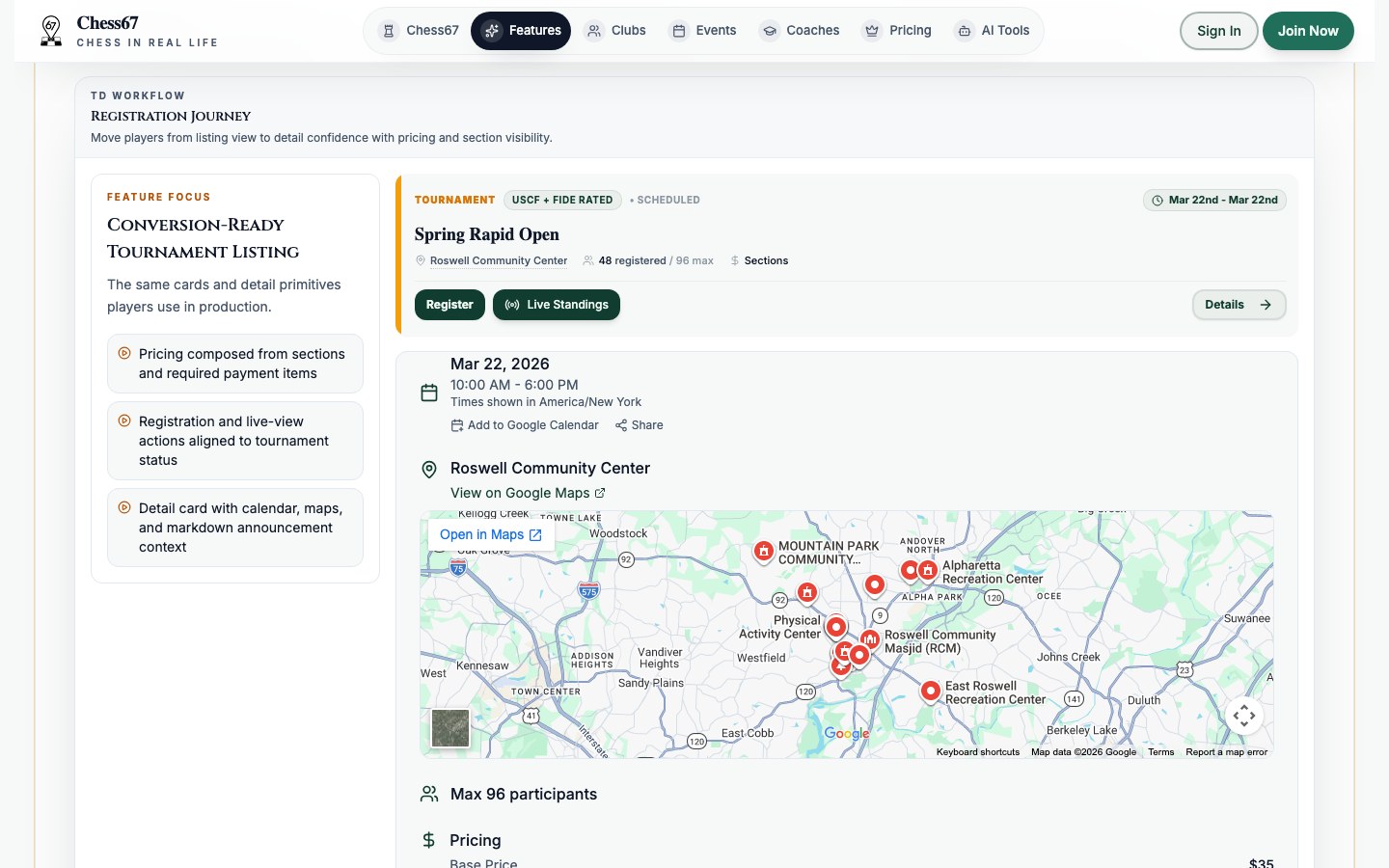 Chess67
Chess67's public tournament page with registration, standings, schedule, and location, shown with sample data.
Source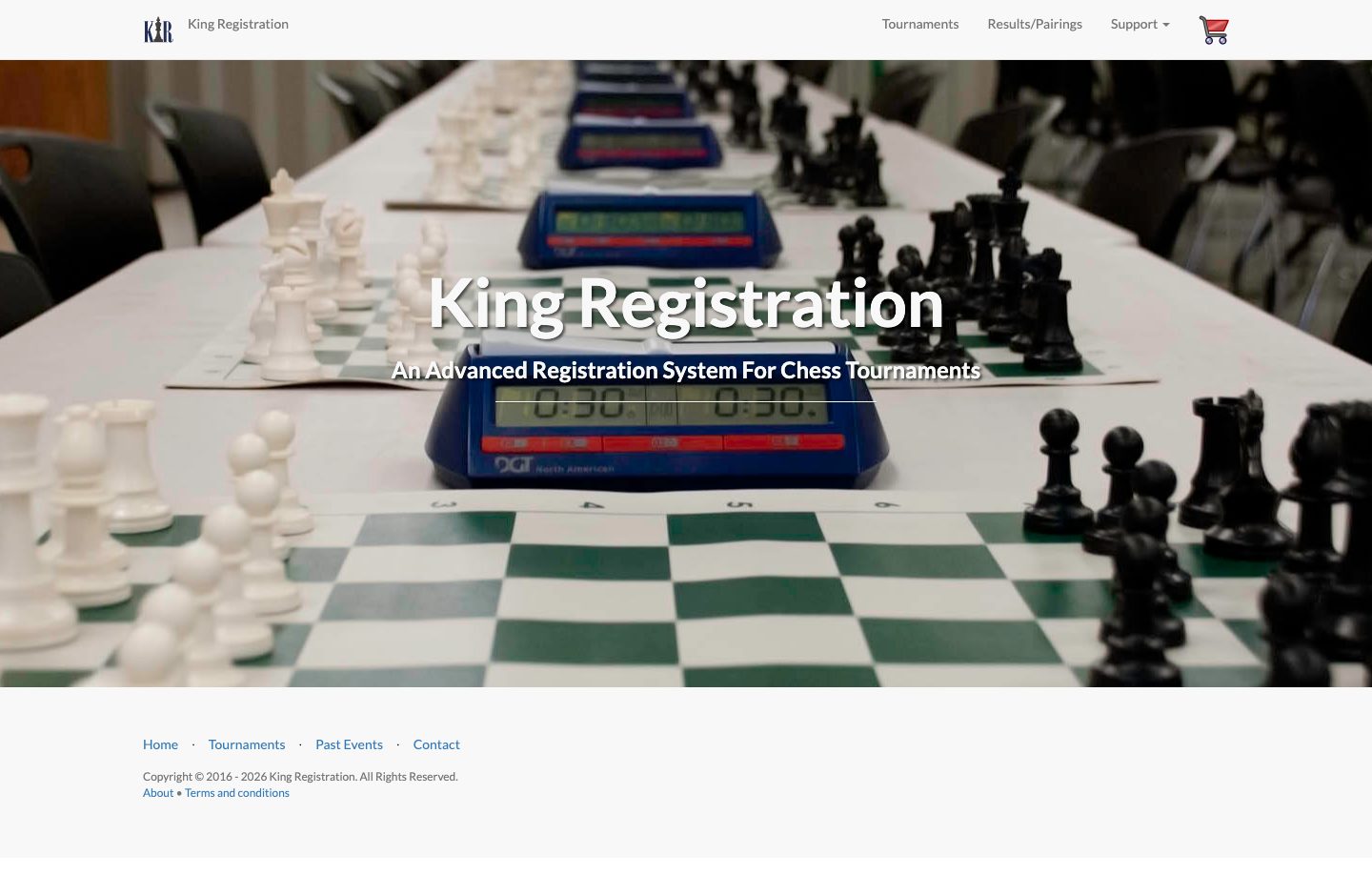 KingRegistration
KingRegistration's public tournament registration site.
SourceComparison notes: KingRegistration publishes event results as well as registration pages.
Chess67 screens with sample data.
Open Details for feature limits and Source for the documentation. Not verified means we couldn't confirm whether the feature is supported.
| Capability | What we checked | Chess67 | KingRegistration |
|---|---|---|---|
| Public online registration pages | Players can enter online; entries populate the organizer's roster. | Yes Details for Chess67: Public online registration pagesPublic event signup feeds the tournament roster. | Yes Details for KingRegistration: Public online registration pagesPublic form includes player lookup, sections, and byes. |
| Payments collected at signup | Entry payments are recorded alongside registration. | Yes Details for Chess67: Payments collected at signupStandard 2% plus processor fees; merchant, currency, and purchase-type eligibility apply. | Yes Details for KingRegistration: Payments collected at signupEntries added to a checkout cart; confirm organizer payment terms. |
| Pairings and tiebreaks built in | Generates pairings and calculates standings within the product. | Yes Details for Chess67: Pairings and tiebreaks built inNative pairings and configurable tiebreaks; not a claim of FIDE certification. | Not verified Details for KingRegistration: Pairings and tiebreaks built inHosts SwissSys reports; a built-in pairing engine wasn't confirmed. |
| Round-robin pairings | Round-robin scheduling. Notes identify any support for automatic quad grouping. | Yes Details for Chess67: Round-robin pairingsSupports round robin, double round robin, and quads. | Not verified Details for KingRegistration: Round-robin pairingsBuilt-in round-robin pairing wasn't confirmed. |
| Single- and double-elimination brackets | Tracks bracket advancement. The notes distinguish single from double elimination. | Yes Details for Chess67: Single- and double-elimination bracketsTracks advancement through single- and double-elimination brackets. | Not verified Details for KingRegistration: Single- and double-elimination bracketsNative bracket management not verified. |
| Online pairings and standings for players | Players can view published boards and scores. Notes distinguish live updates from uploaded reports. | Yes Details for Chess67: Online pairings and standings for playersPublished standings update online; offline edits need review and synchronization. | Partial Details for KingRegistration: Online pairings and standings for playersHosted pairings/results confirmed; automatic live synchronization not verified. |
| USCF rating report export | Creates a USCF rating report for a director to review and submit. | Yes Details for Chess67: USCF rating report exportThree-file DBF ZIP; the director reviews and submits it externally. | Not verified Details for KingRegistration: USCF rating report exportNative completed rating-report output not verified. |
| FIDE report (TRF) preparation | Prepares a FIDE report for arbiter and federation review; certification is separate. | Yes Details for Chess67: FIDE report (TRF) preparationNative TRF16 preparation for eligible sections with required reporting data; not FIDE-certified. | Not verified Details for KingRegistration: FIDE report (TRF) preparationTRF preparation/export not established by the public pages reviewed. |
| Custom registration questions | Organizers can add questions beyond standard player, section, and bye fields. | Yes Details for Chess67: Custom registration questionsCustom questions and required registration fields are configurable. | Not verified Details for KingRegistration: Custom registration questionsChess fields are visible; arbitrary organizer-defined questions not verified. |
| Family accounts (one parent, several kids) | Parents can reuse saved profiles for several children. | Yes Details for Chess67: Family accounts (one parent, several kids)Parent-managed child profiles and shared checkout for up to ten registrants. | Not verified Details for KingRegistration: Family accounts (one parent, several kids)Player lookup and cart visible; persistent family accounts not verified. |
| Check-in from a phone on site | Staff can mark players present from a phone. | Yes Details for Chess67: Check-in from a phone on siteStaff and family check-in after organizer setup; requires internet. | Not verified Details for KingRegistration: Check-in from a phone on sitePhone check-in wasn't confirmed. |
| Messaging and announcements to players | Send event notices or club announcements. Confirmation-only mail, arbiter chat, and delivery through separate tools are marked Partial. | Yes Details for Chess67: Messaging and announcements to playersFree club allowance: 500 emails and 50 SMS monthly. Paid plans expand quotas; preferences apply. | Not verified Details for KingRegistration: Messaging and announcements to playersA public contact form is available; organizer announcements weren't confirmed. |
| Member history (attendance, payments, engagement) | Member attendance, payment history, and engagement reports. | Yes Details for Chess67: Member history (attendance, payments, engagement)Unlimited roster; free insights cover 50 families, including linked children. Paid plans expand insights. | Not verified Details for KingRegistration: Member history (attendance, payments, engagement)Cross-event attendance, payment, and engagement records not verified. |
| Organizer tools on phones and tablets | Registration and tournament controls usable on a phone or tablet. | Yes Details for Chess67: Organizer tools on phones and tabletsSignup, check-in, pairings, and result entry work in a mobile browser. | Not verified Details for KingRegistration: Organizer tools on phones and tabletsMobile admin controls weren't confirmed. |
| Offline pairing and result entry | Pairs rounds and records results without internet. Notes explain setup and availability. | Partial Details for Chess67: Offline pairing and result entryBeta, included with the Bishop plan and above. Pair rounds and enter results on one prepared device; check-in and checkout stay online. | Not verified Details for KingRegistration: Offline pairing and result entryNative disconnected pairing/result entry not verified. |
Offline Mode is in beta and included with the Bishop plan ($15/mo billed yearly) and above. Prepare the tournament on one device while online. You can then pair rounds and enter results without a connection. Check-in, registration, payments, rating lookups, and public updates still need internet. Review and sync saved changes when you reconnect.
Create a tournament page, add a sample roster, and test pairings and reporting before using it for a live event.
We make Chess67. We checked competitors' public documentation and Chess67's source code. We haven't tested every product or confirmed the production availability of every feature. Source links include the date checked.
Updated 2026-08-30