Chapter 01 of 04 · Club Organizer
From club idea to opening night.
Create the club, bring over your roster, publish the first event, and see what's working.
The club takes shape one step at a time.
Create the club
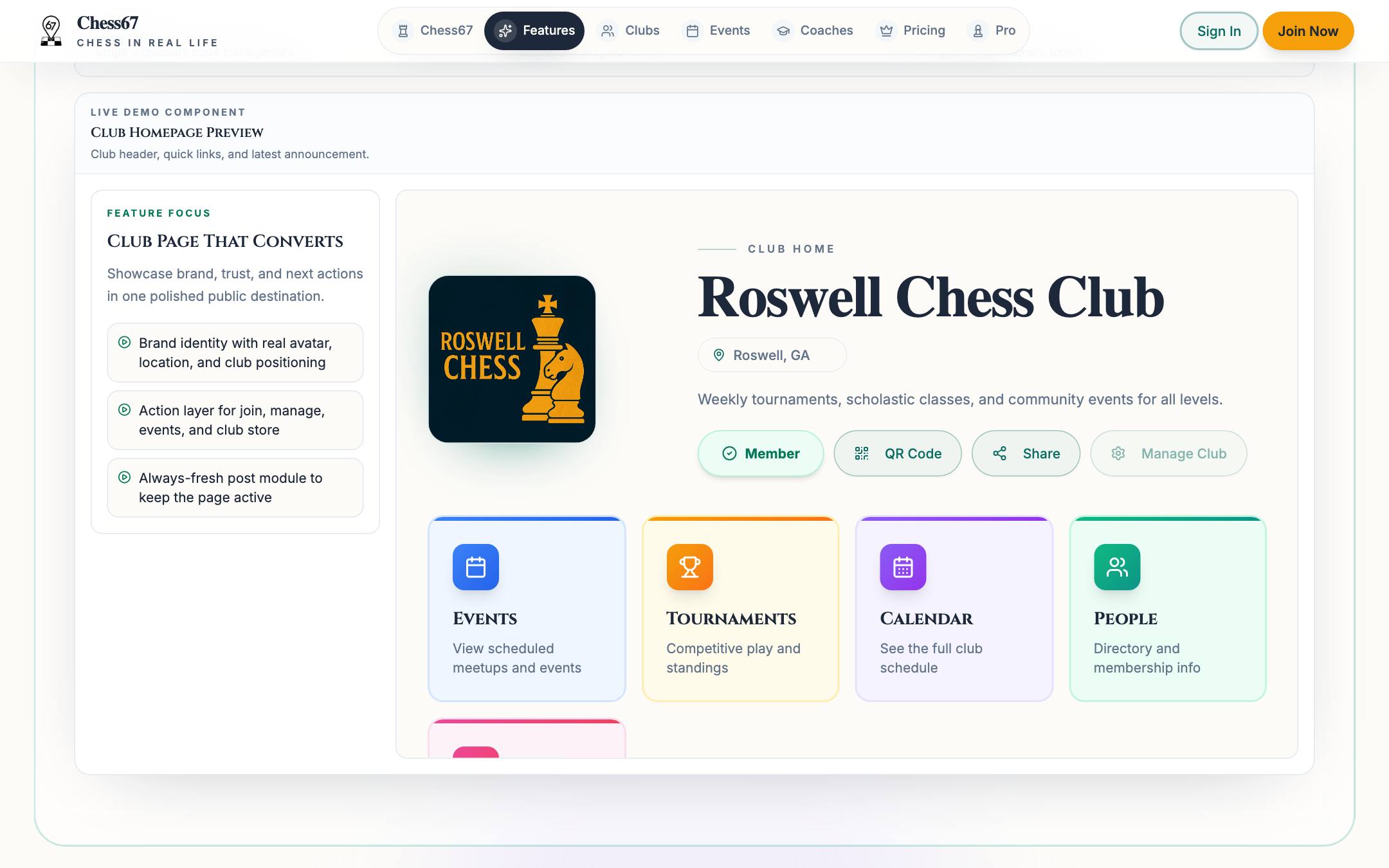
Name, location, logo, and a short intro. That's enough for a public page members can share and a private workspace for you.
Watch the workflow
Set up the club name, description, public details, and core settings, then publish the club page.
Set up groups and dues
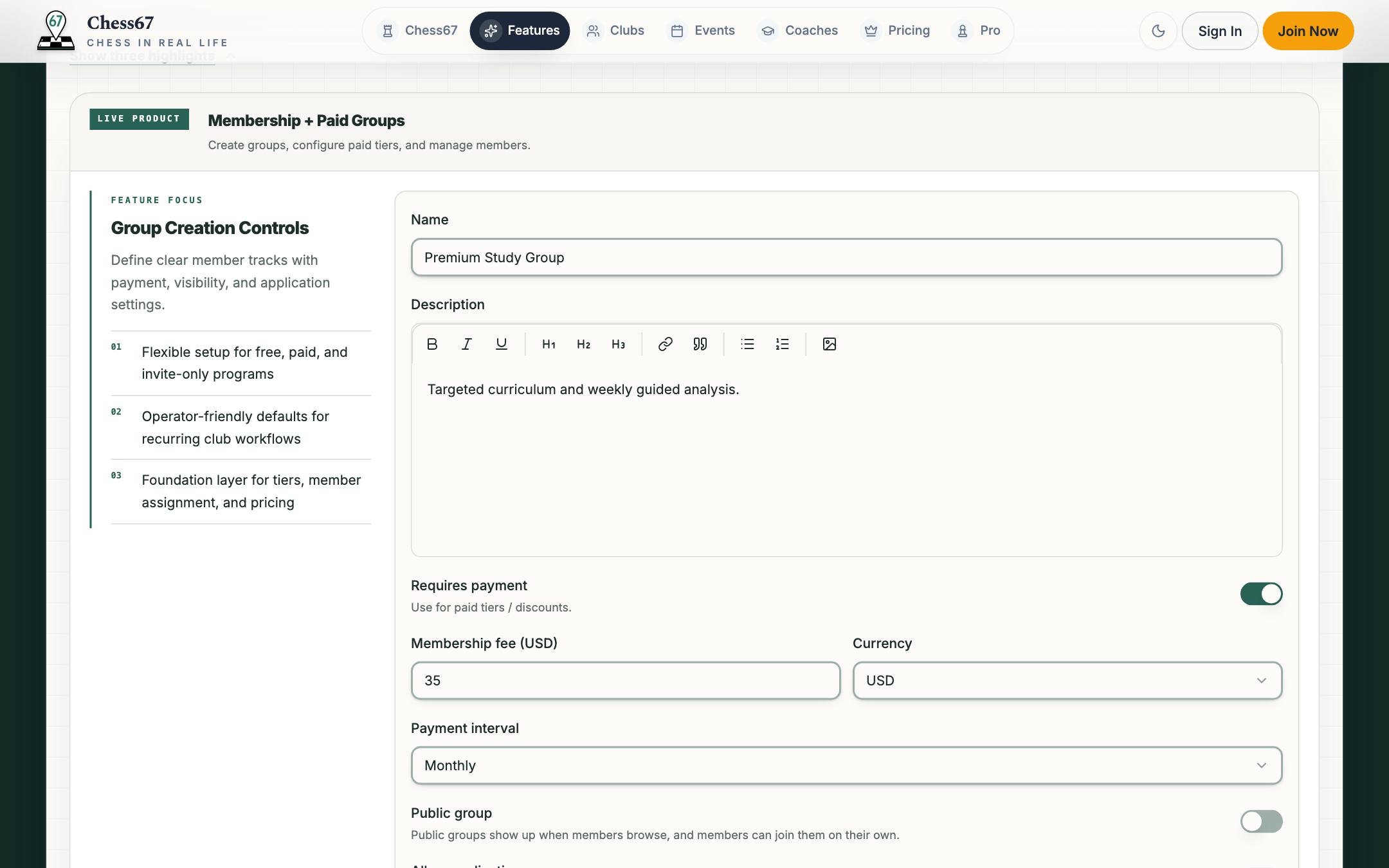
Groups like Adult, Scholastic, or Family, each free or paid, billed one-time, monthly, or yearly. Simple clubs can skip this.
Watch the workflow
Create a membership group, choose public or private, add custom questions, set up confirmation emails, and configure dues.
Invite or import members
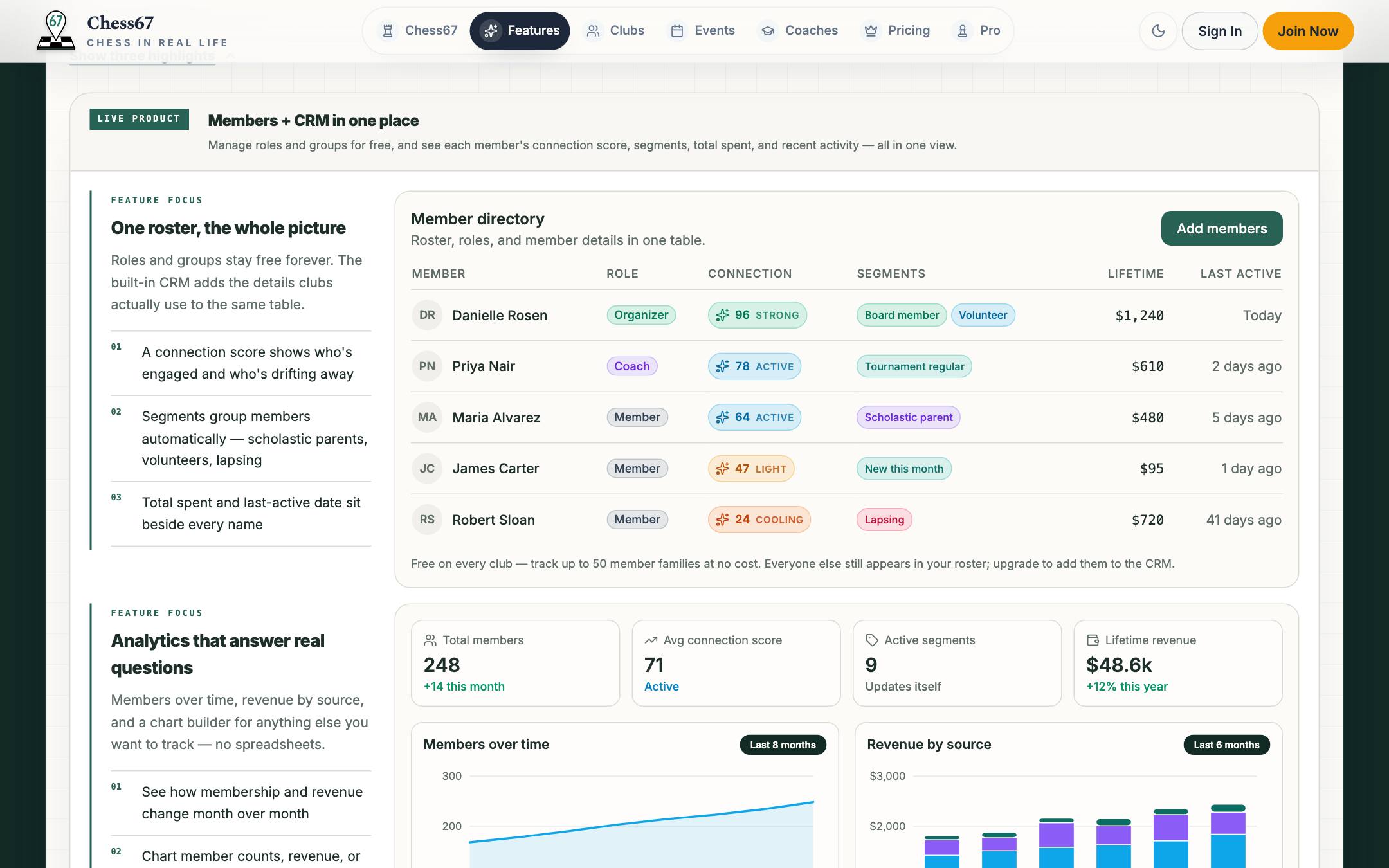
Send an invite link or import the roster you already keep. Everyone lands in one directory with the right roles.
Watch the workflow
Send email invitations, share an invite link or QR code, and import an existing member roster.
Publish events and tournaments
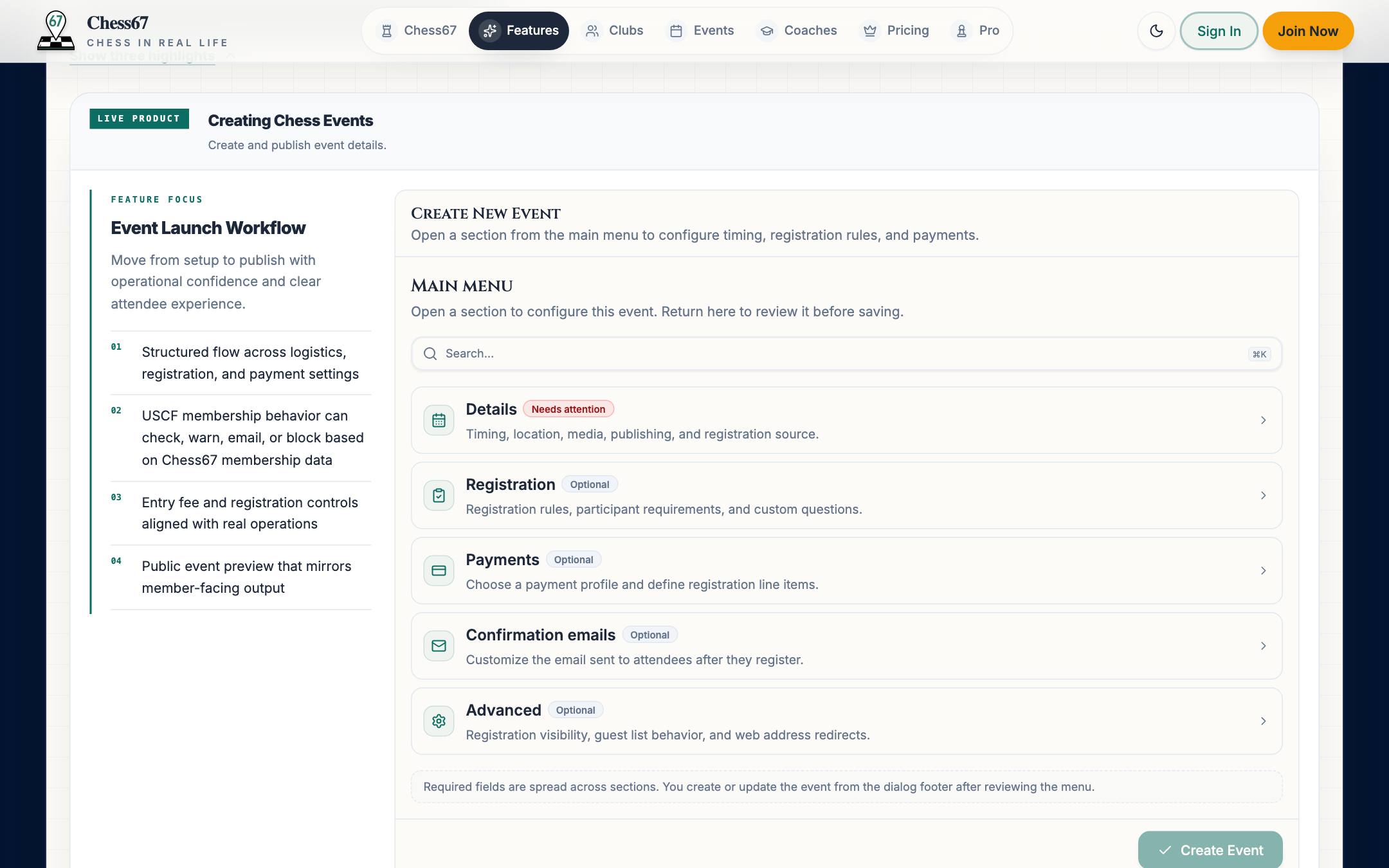
A casual club night or a full tournament with registration, sections, and pairings. Attendees scan a QR code at the door to check in.
Watch the workflow
Add event details, dates, times, location, and recurrence, then publish it for members to find.
Get paid
Connect Stripe or PayPal once. Dues, registrations, and store orders check out through Chess67, with discount codes and refunds handled.
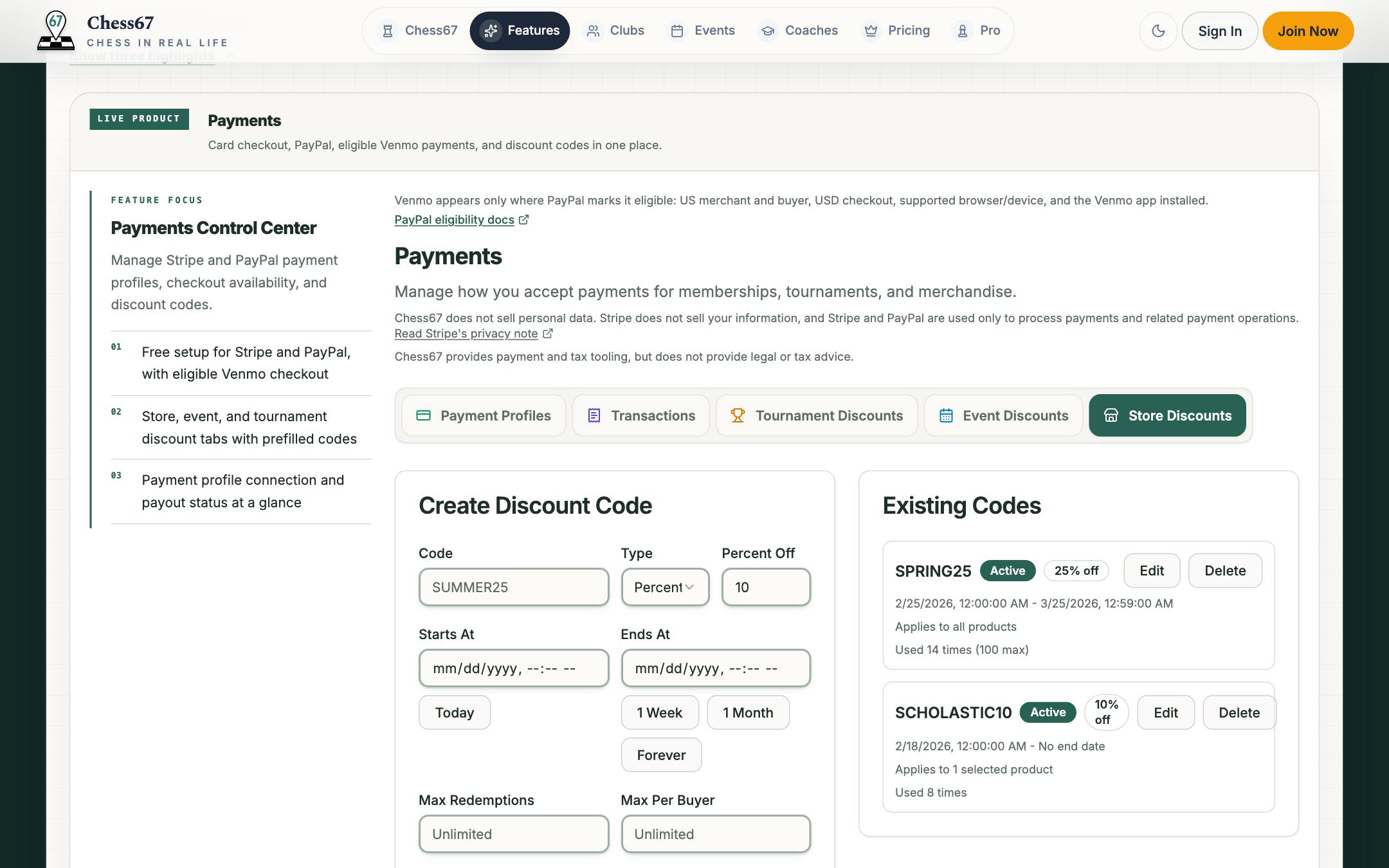
Watch the workflow
Keep members in the loop
Posts, email, push, and SMS from one place, plus a calendar you can embed on your own site.
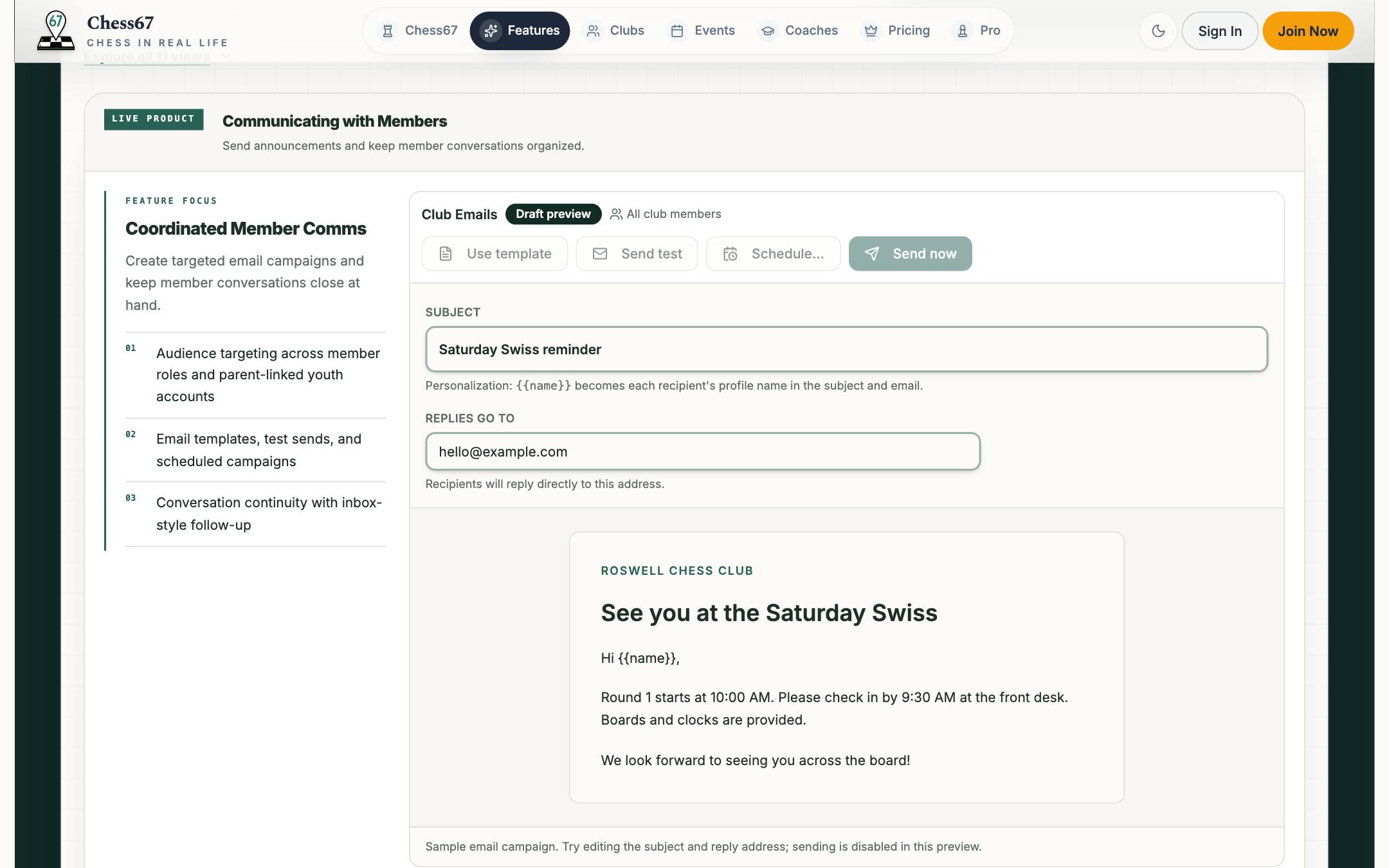
See what's working
Registrations versus attendance, who comes back, and growth and revenue trends.
Chess67 product tour
Try it yourself
Explore a working club
Click around a sample club: the public page, roster, events, payments, and analytics.