Go to the right place
Before you start
Complete the intended rounds and resolve missing results or player identity issues first.
Step by step
- Open the tournament's Live Dashboard and export tools.
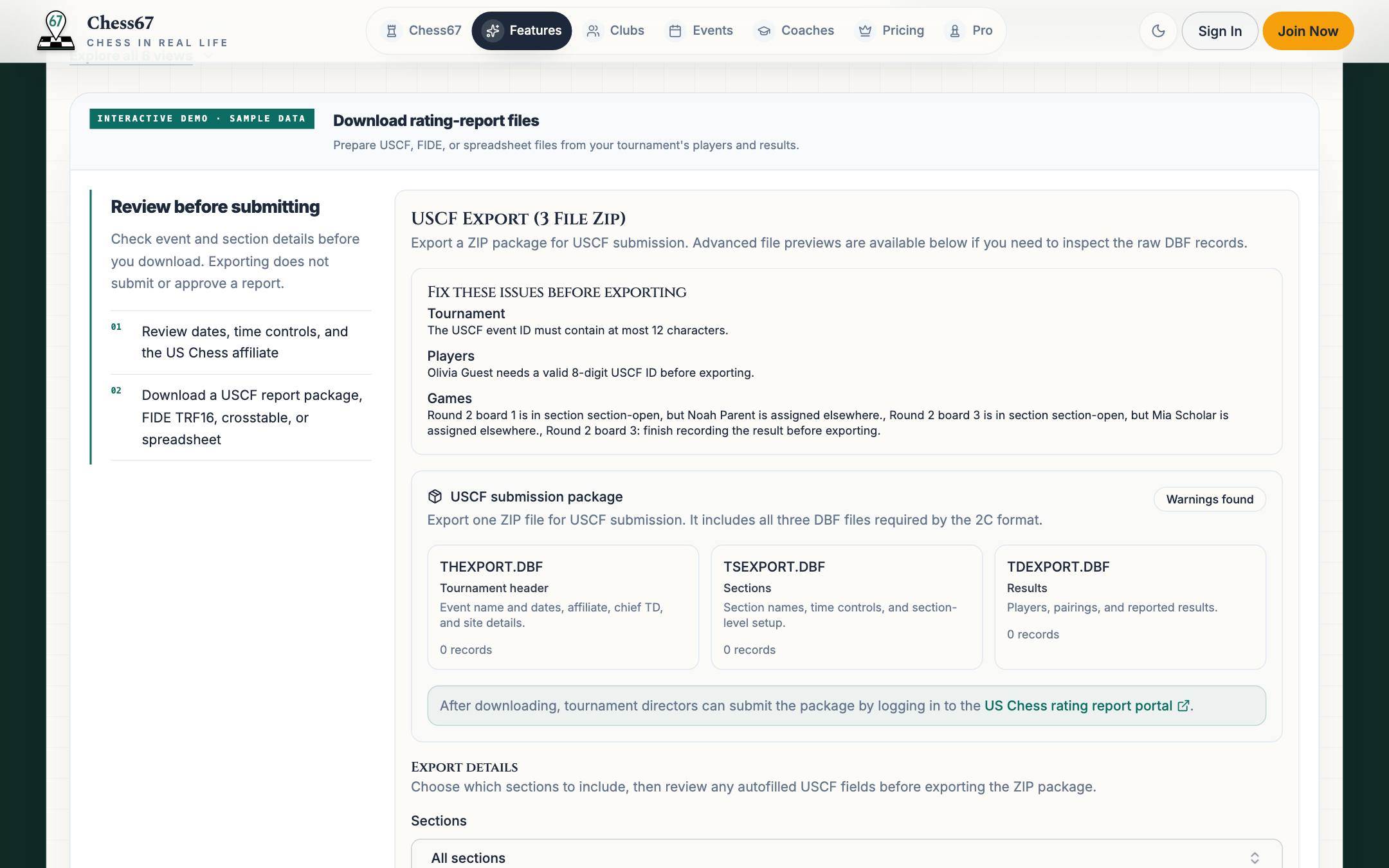
- Review the tournament details, sections, rounds, player IDs, and recorded results.
- Run the available compliance checks and resolve any issues that block the export.
- Choose the export type and download the offered files.
- Review the downloaded report and follow the receiving organization's submission process.
What it looks like
After you finish
You have the supported export files for review and submission. Downloading them alone does not submit the tournament to US Chess.