Go to the right place
Before you start
You need permission to send club notifications.
Step by step
- Open Club Admin → Club Comms → Mass Emails.
- Create a message and choose the intended members or groups.
- Write the subject and message. Use the editor to format the content and add the links members need.
- Preview the email and check the recipients, links, and sender details.
- Send or schedule the message, then review its history and delivery information.
What it looks like
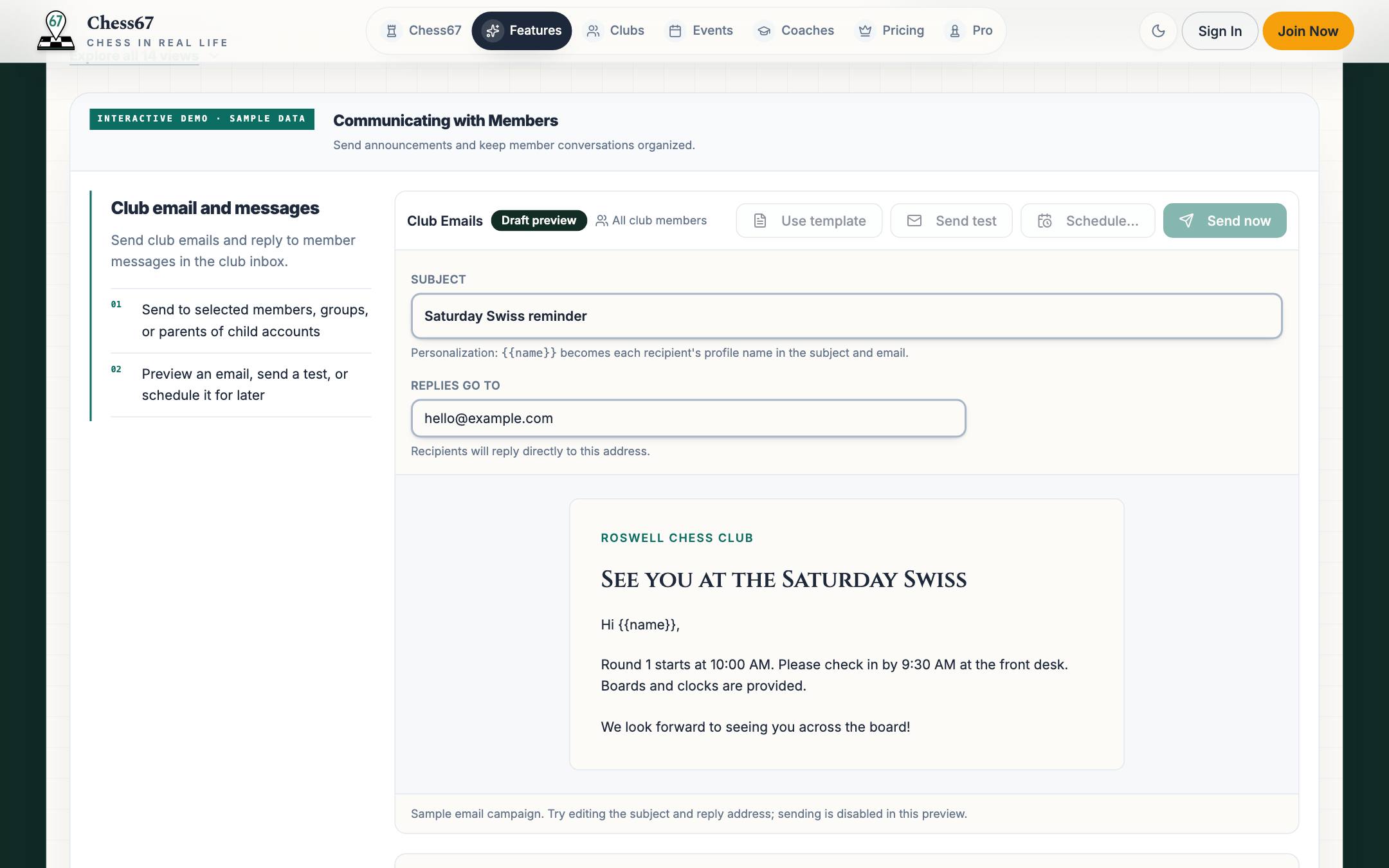
After you finish
The saved campaign is sent or scheduled for the selected audience.