Go to the right place
Step by step
- Sign in, then open Create a Club.
- Enter the club name, description, and location. Use details that help people recognize your club and find where you meet.
- Review the club settings and create the club.
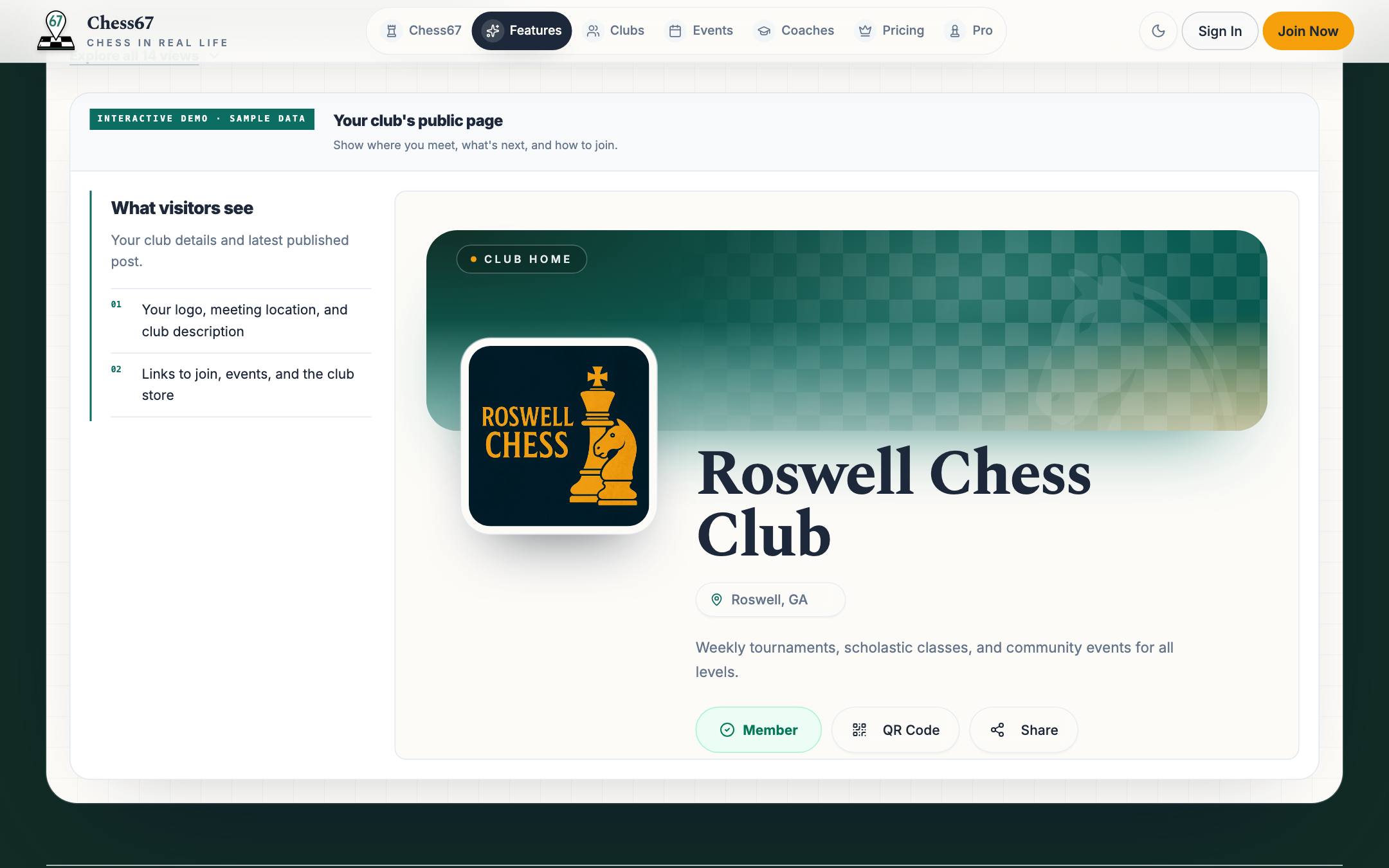
- Open the club page and check its public details. Use Admin to manage events, members, payments, and settings.
- Share the club page link with your members. Add an event or membership group when you are ready.
What it looks like
After you finish
Your club has a page you can share and an Admin area for managing it.
If you get stuck
Watch the tutorial
Plays here without leaving Chess67.Watch on YouTubeFull playlist
Set up the club name, description, public details, and core settings, then publish the club page.