Go to the right place
Before you start
You need member-management access. Connect a payment provider before offering paid memberships.
Step by step
- Open Club Admin → Groups and add a group.
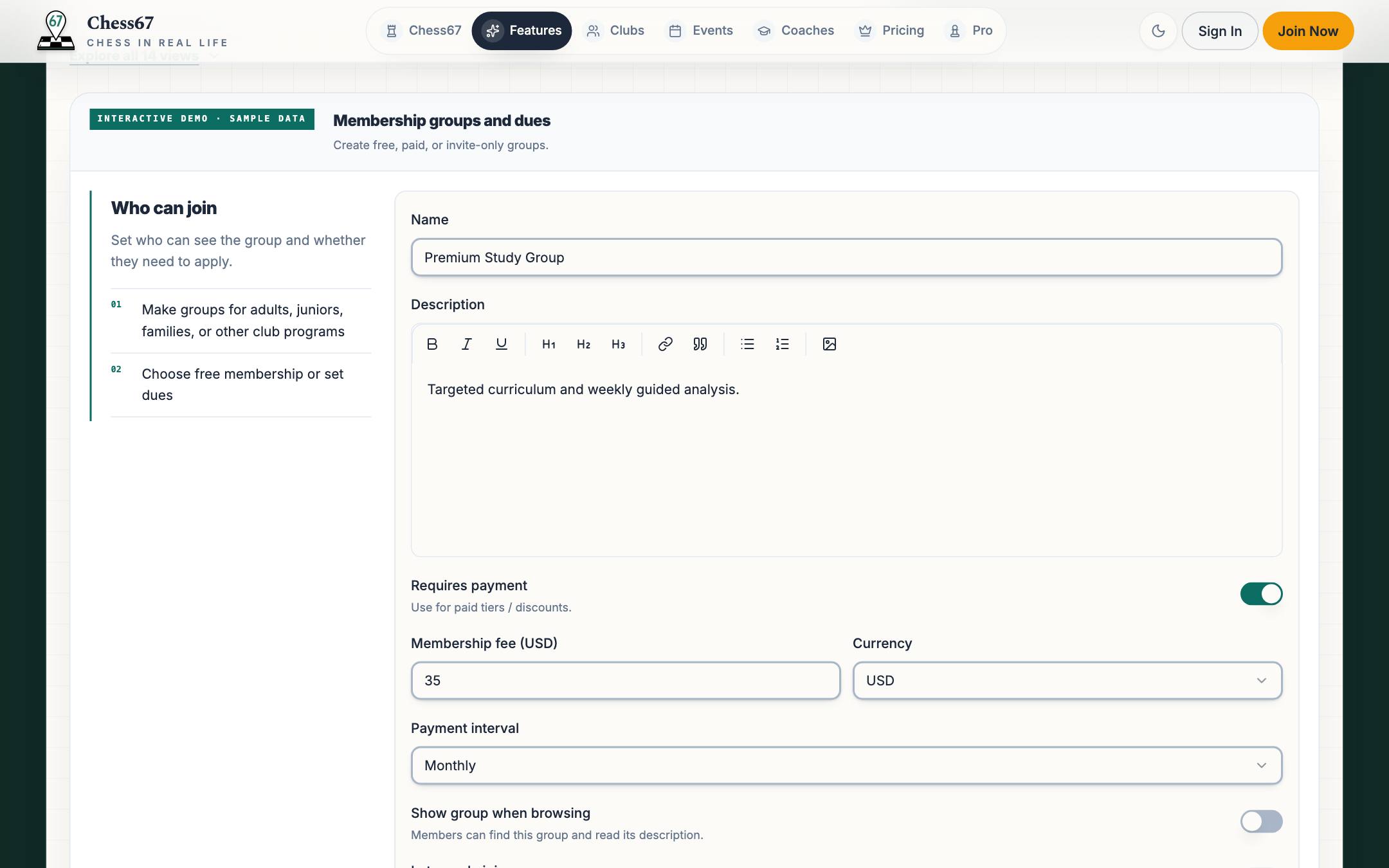
- Enter its name and description. Choose whether people can find and join it publicly or need an invitation.
- Set up the membership prices or tiers and payment schedule. Review any family pricing rules.
- Add the questions you need people to answer and review the confirmation email.
- Save the group and review its join page, prices, and payment settings before sharing it.
What it looks like
After you finish
People can join through the group's available public or invitation flow, using the saved membership options.
If you get stuck
Watch the tutorial
Plays here without leaving Chess67.Watch on YouTubeFull playlist
Create a membership group, choose public or private, add custom questions, set up confirmation emails, and configure dues.