Go to the right place
Step by step
- Open Coach Portal → Teaching → Lesson Offerings.
- Create or edit an offering and enter its name, description, duration, and price.
- Review whether it is online or in person and how students choose a time.
- Assign the appropriate availability and payment settings.
- Save and publish the offer, then review it on your public profile.
What it looks like
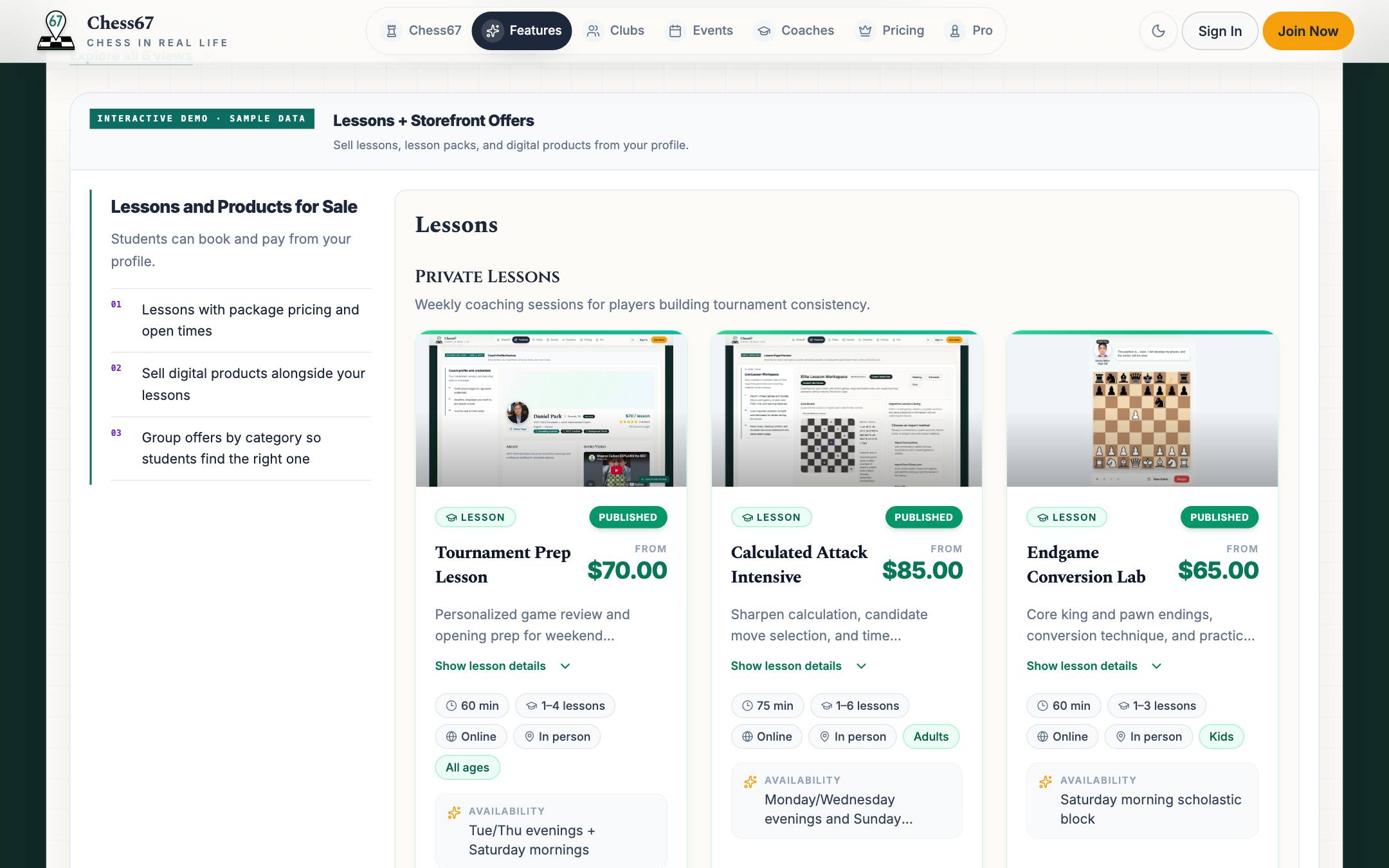
After you finish
Students can choose the published offer using its configured purchase and scheduling flow.