Go to the right place
Step by step
- Sign in and open Coach Portal. Follow the coach setup flow if you have not created a profile yet.
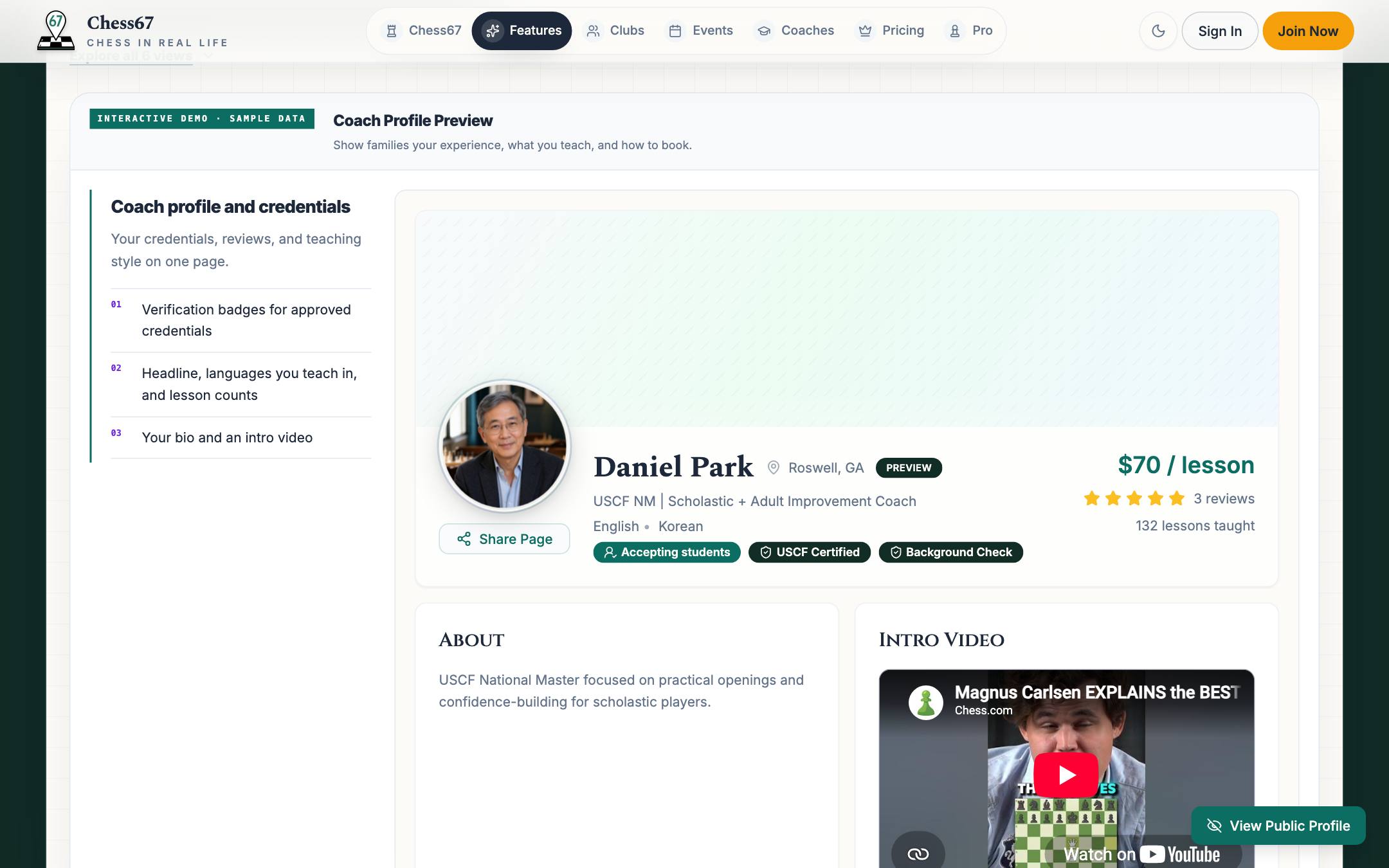
- Open Profile and enter your bio, teaching details, languages, and relevant media.
- Review any contact, location, and visibility choices.
- Save your changes and use the profile's publish control when you are ready.
- Open the public profile and check the details students will see.
What it looks like
After you finish
Students can view your published profile and the offers you make available.