Go to the right place
Step by step
- Open the membership group's Payment settings and the base option or tier you want to configure.
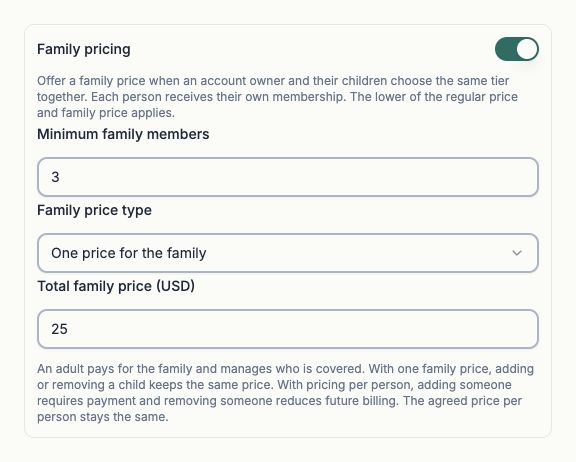
- Enable Family pricing and set the minimum number of eligible family members.
- Choose Price per person or One price for the family, then enter the corresponding family amount.
- Review the regular price as well. The join flow applies the lower eligible regular or family price to the original purchase.
- Save the settings and review a family checkout for the same group and tier. An adult pays and chooses the people they can manage.
What it looks like
After you finish
Eligible families can buy the configured membership arrangement, with each covered person receiving their own membership.
Creating a child profile does not automatically add that child to a paid family membership. The payer manages coverage in Account → Orders → Subscriptions.
For one family total, adding or removing a covered person keeps the agreed family price. With per-person pricing, additions require payment and removal can reduce future recurring billing without an automatic refund.