Go to the right place
Before you start
Add the children's profiles in Account → Family before starting registration.
Step by step
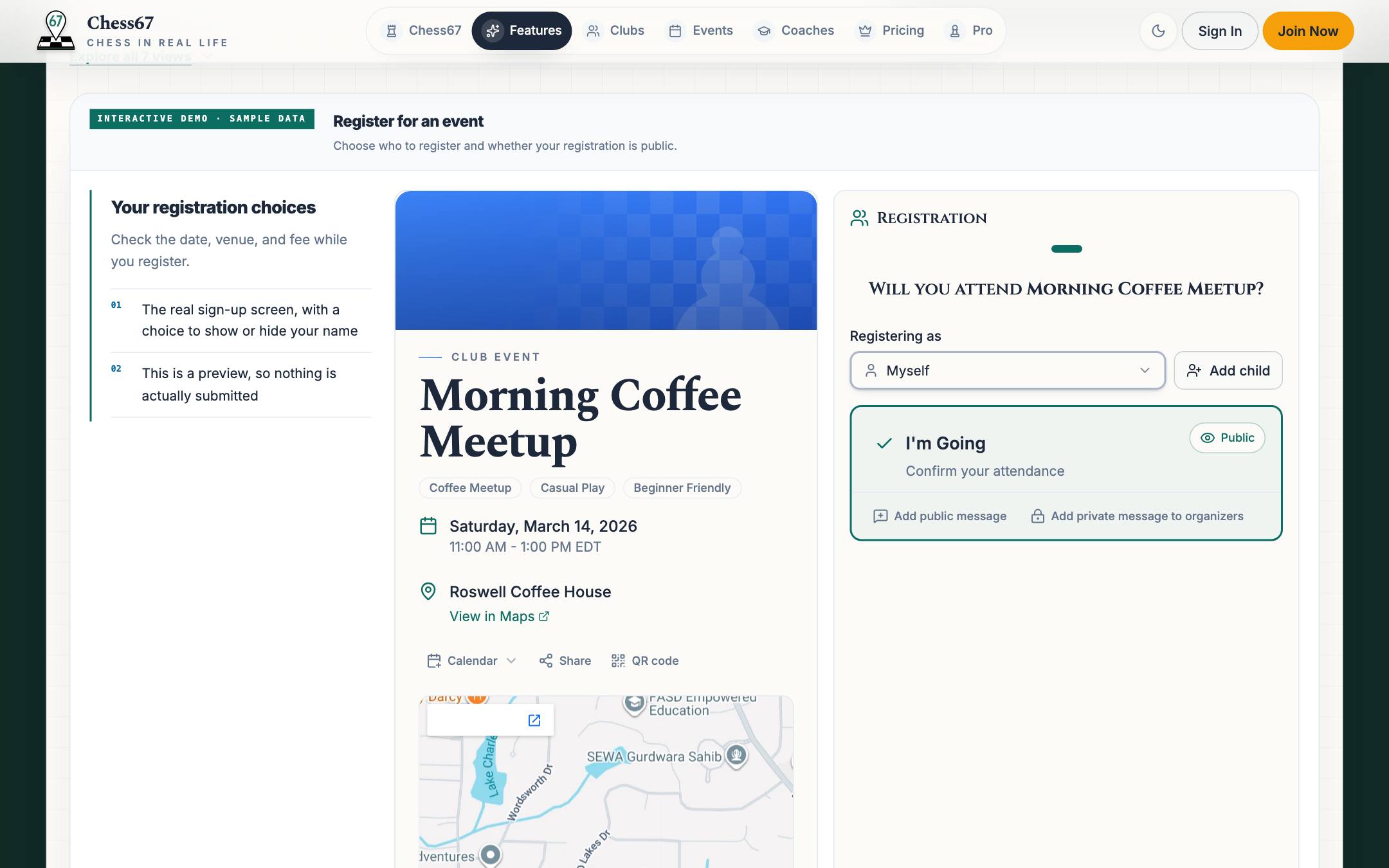
- Open the event or tournament and start registration with your adult account.
- Choose the family members who will participate from the offered participant choices.
- Review each person's section, attendance choices, questions, and required chess IDs.
- Check the price breakdown and any eligible family or group discounts.
- Complete the checkout and check the confirmation for every intended participant.
What it looks like
After you finish
Each selected family member has their own registration details, even when one adult pays.