Go to the right place
Step by step
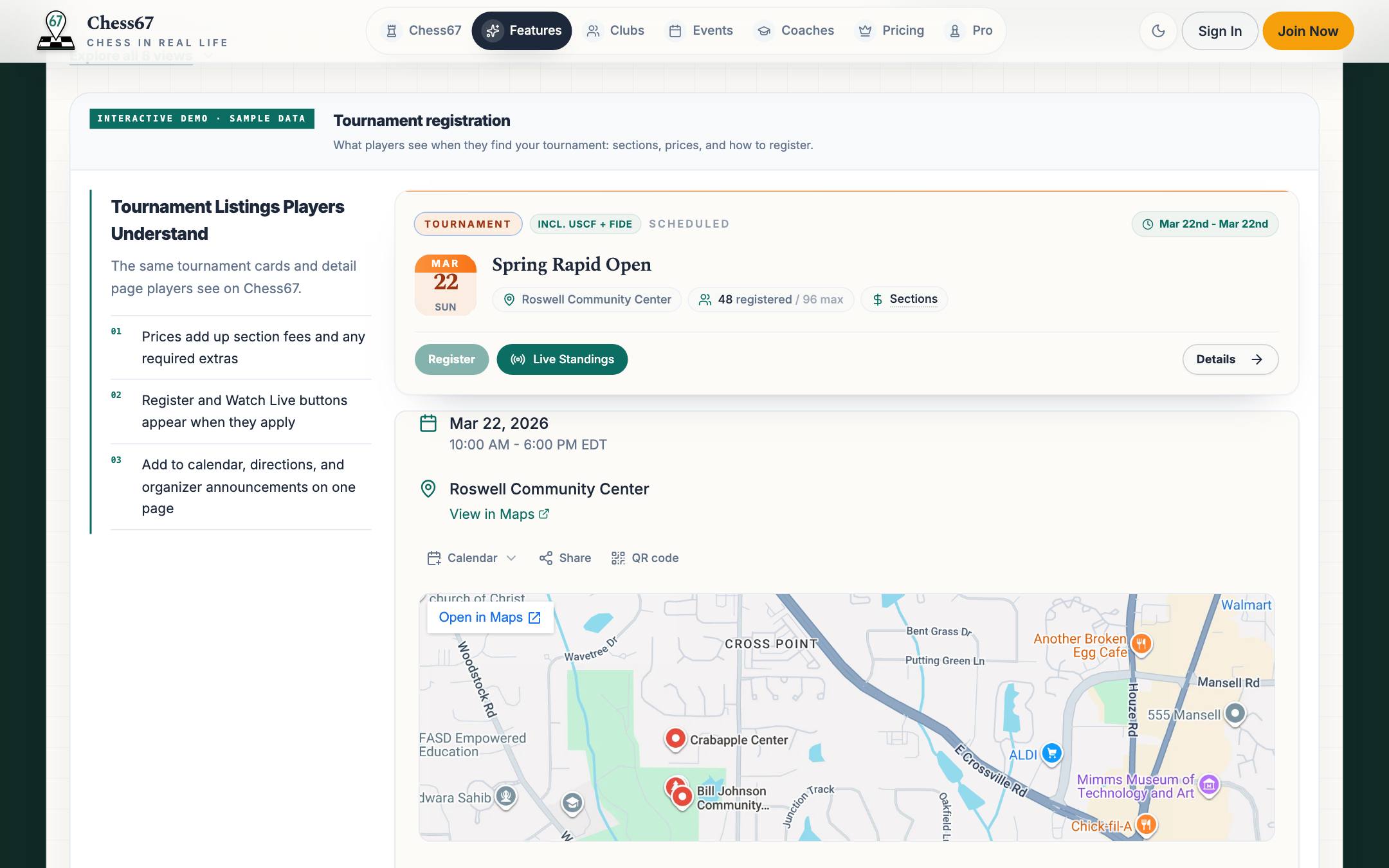
- Open the event or tournament page and read the dates, location, eligibility, and entry fees.
- Choose its registration option and sign in if asked.
- Select the participant. For a tournament, choose the appropriate section and any available attendance or bye options.
- Answer the required questions and check any chess ID or membership requirements.
- Review visibility, items, discounts, and the total. Complete payment or the offered pay-later option.
- Wait for confirmation and check that the intended person and activity are listed. Keep the confirmation link or email.
What it looks like
After you finish
A confirmed registration records the participant and chosen options. Starting checkout alone is not proof that registration is complete.