Go to the right place
Step by step
- Open the scheduled lesson from your teaching tools.
- Check that the lesson belongs to the intended student and session.
- Open its workspace and use the available board or learning-material controls to prepare the lesson.
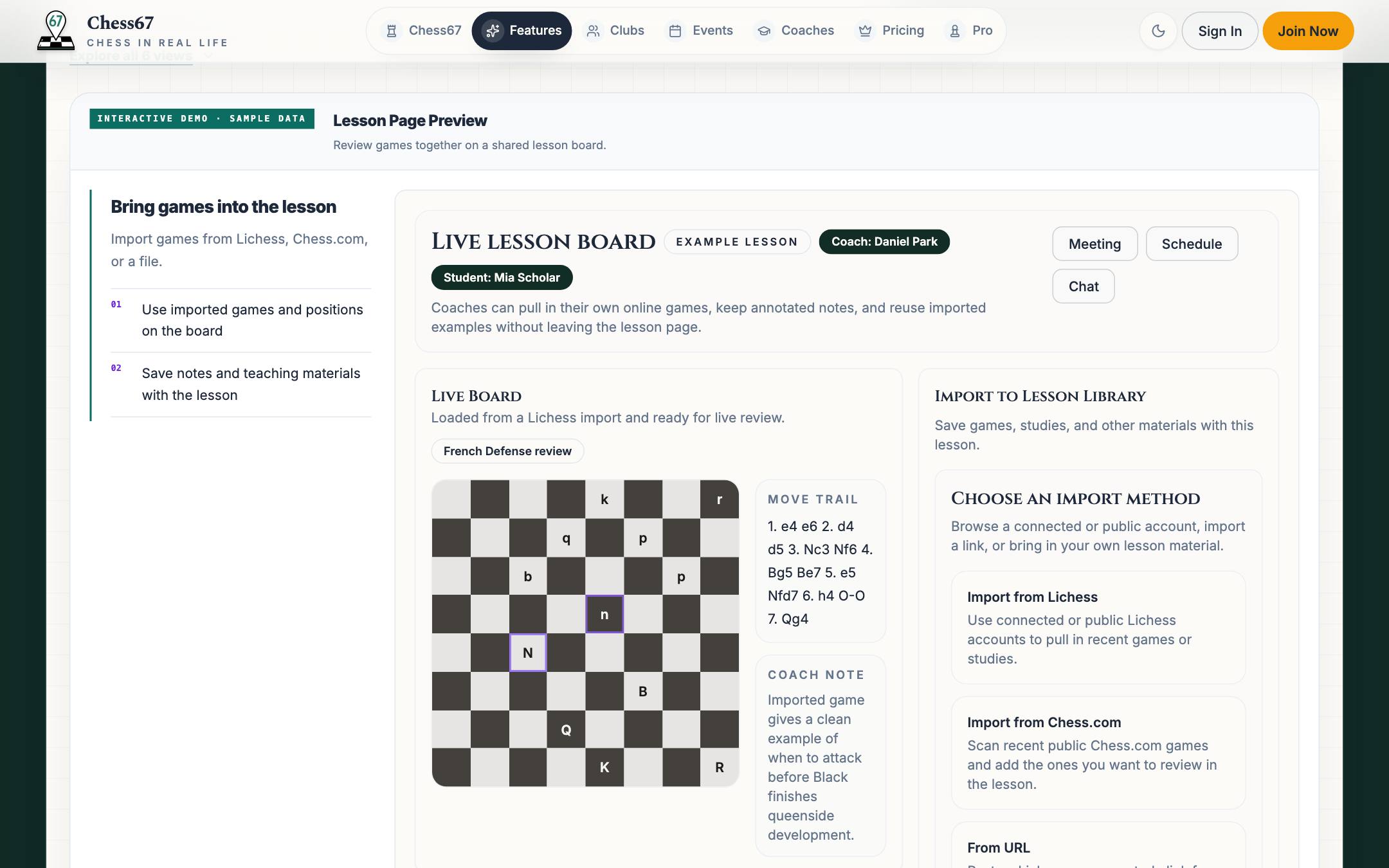
- Import or select the games and positions you need using the supported options.
- Give the student the lesson link and any separate meeting instructions.
- Use the workspace during the session and save the material or notes you want to keep.
What it looks like
After you finish
You and the authorized student can use the lesson's board and material.