Go to the right place
Step by step
- Sign in with the account connected to the booking and open your lesson details or confirmation.
- Check the student, coach, date, time, and timezone.
- Use the lesson's workspace or meeting link when provided. Follow any instructions from the coach for an external call.
- Have the games or questions you want to discuss ready. Contact the coach if the link or timing is unclear.
What it looks like
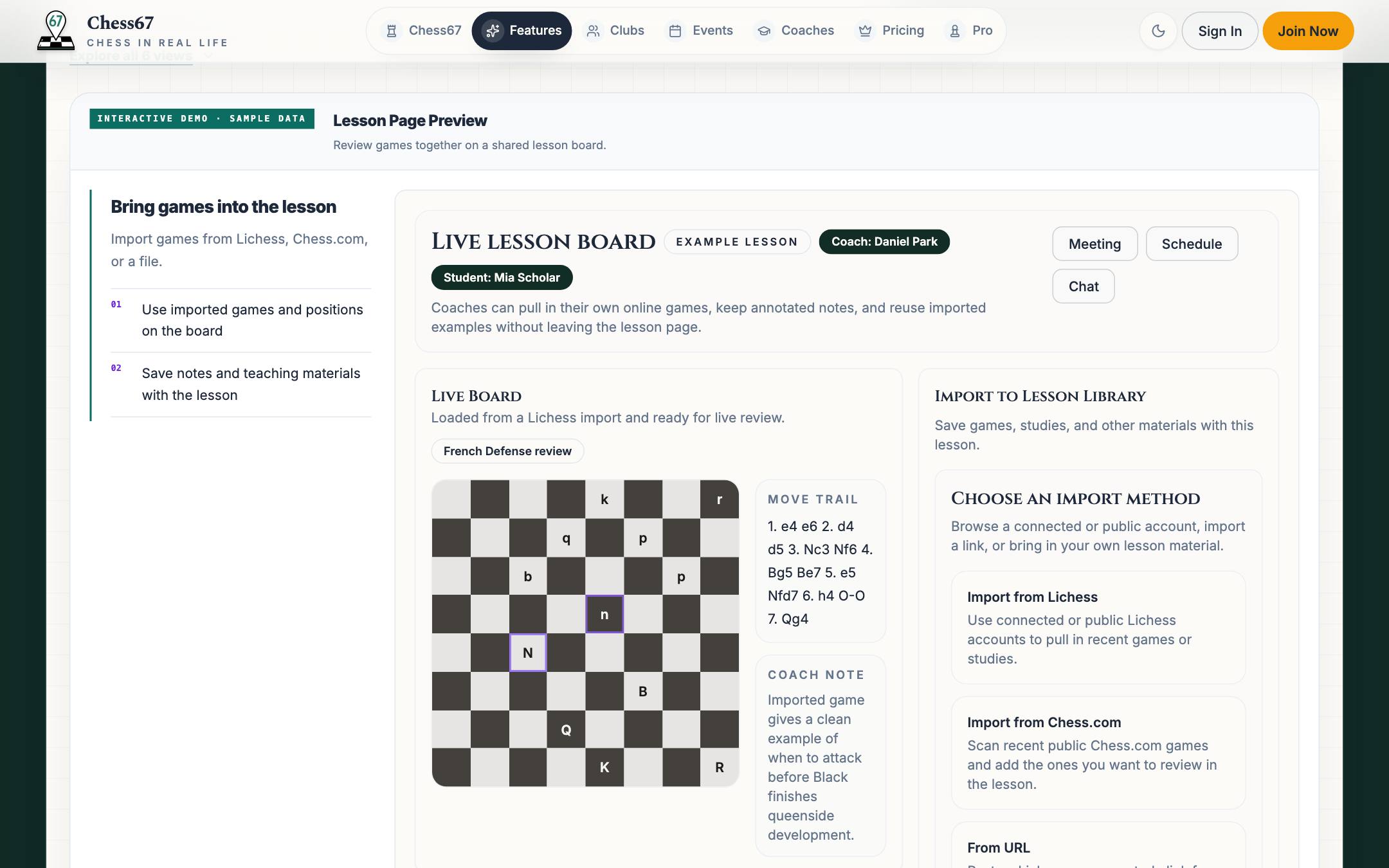
After you finish
You open the correct lesson workspace or the meeting method chosen by the coach.