What’s in the report
Each month, after US Chess publishes its new ratings, Chess67 emails you one report. It covers you, any children on your account, and up to ten players you follow on Chess67.
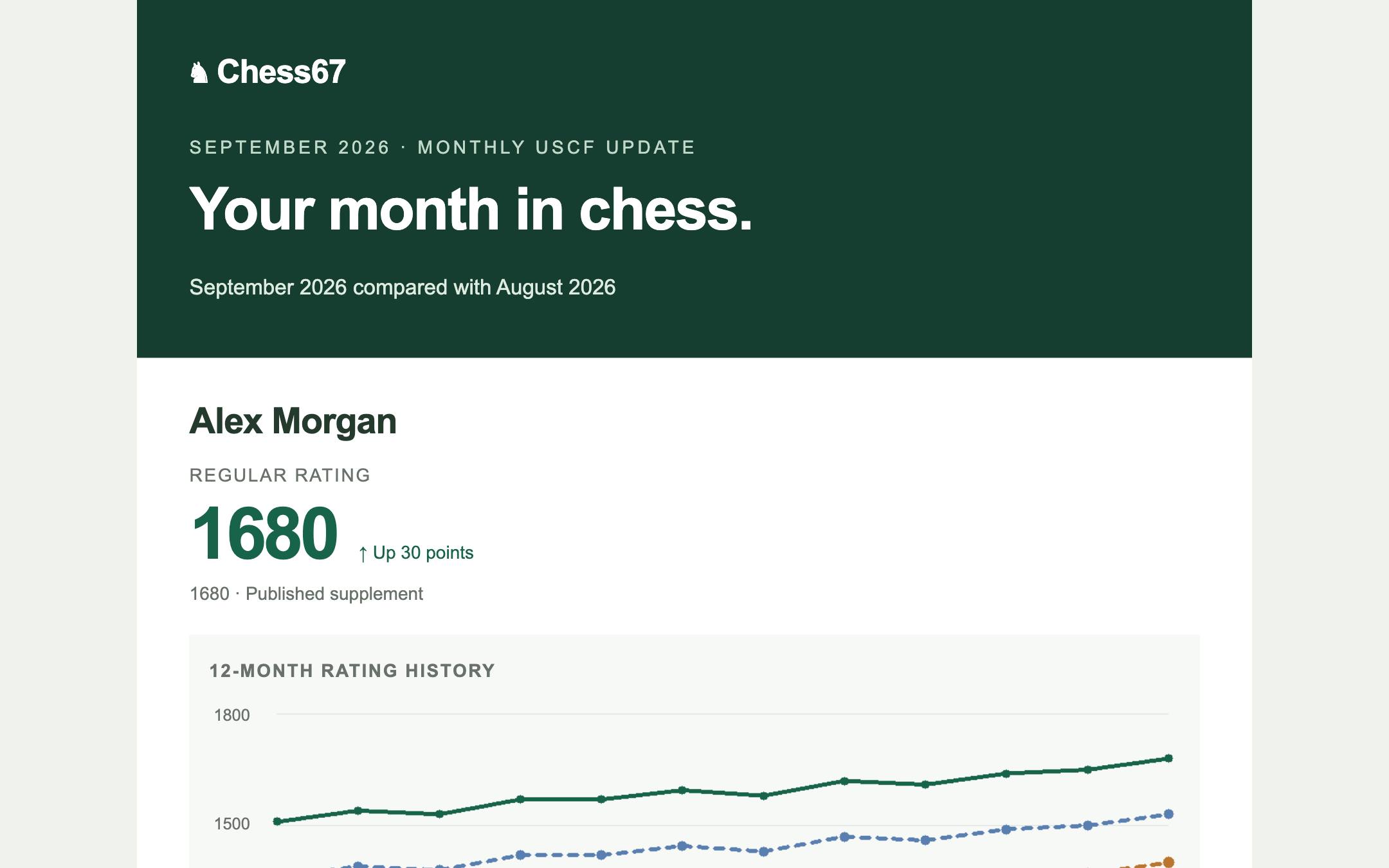
For each player you’ll see their regular, quick, and blitz ratings, how much each changed since last month, their national and state rankings, and a chart of the last 12 months. The report is free with any Chess67 account.
Go to the right place
Step by step
- Sign in, or create a free account. If you buy a US Chess membership on Chess67, the player’s US Chess ID is added to their profile for you.
- Otherwise, open Account → Chess Platforms, enter your US Chess ID, and choose Save Changes. For a child, open Account → Family and add the ID to that child’s profile.
- Open Account → Notifications and check that Monthly USCF updates is on. It’s on by default.
- To include a friend or teammate, follow them on Chess67. Their rating changes appear in your next report.
- Watch for the report shortly after US Chess publishes each month’s ratings.
What it looks like
After you finish
You get one email a month with everyone’s new ratings, and a reminder before any US Chess membership on your account expires.
Renewal reminders: when a US Chess membership on your account is about to expire, we email you about two weeks before, with a link to renew in a few clicks. If it lapses, you get one follow-up a week after it expires. Turn these on or off with US Chess renewal reminders in Account → Notifications.
Monthly reports and renewal reminders are separate from Marketing Emails, so you can turn off marketing and still get both.