Weekly classes and day camps
Pick the first date, start time, length, and number of weeks, then skip any holidays. For a camp, add each day in a row with its own hours.
Families sign up once for the whole class. Instructors take attendance at each session, set homework that students answer on a chess board, and teach online sessions from a live board.
Weekly classes or day camps with one sign-up
Seats saved for students who want to come back
Free to turn on for any club
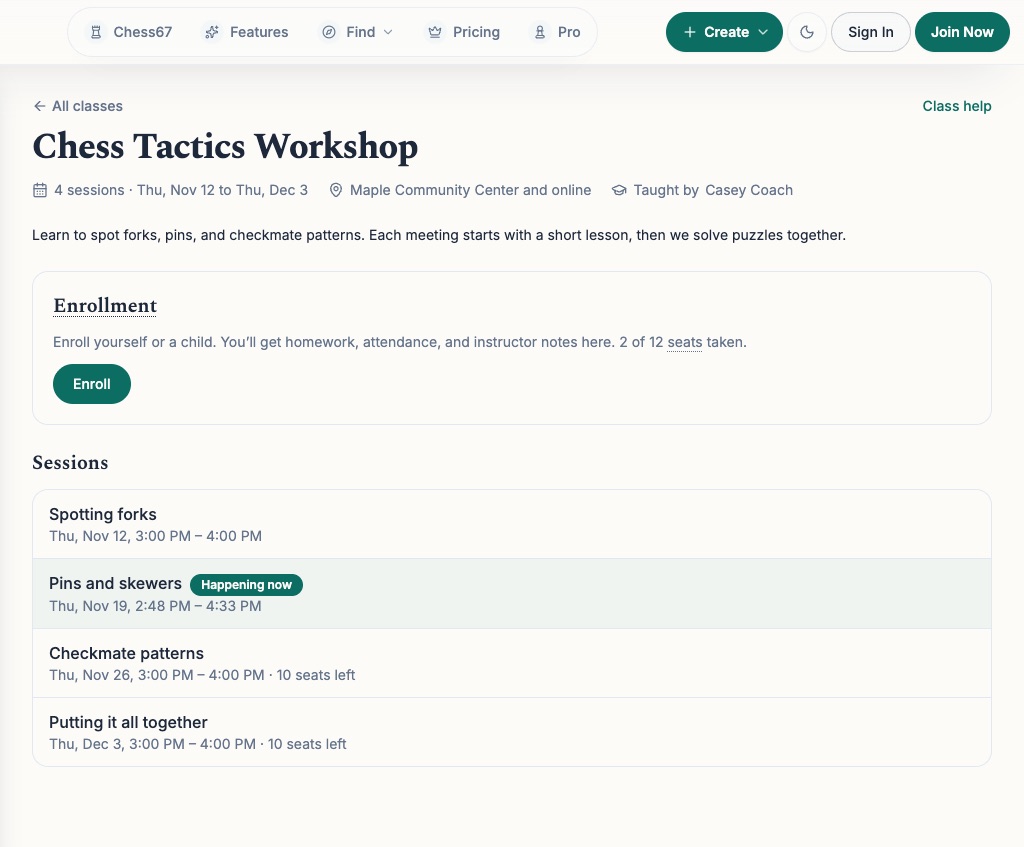
See the class page families use and the tools instructors use each week.
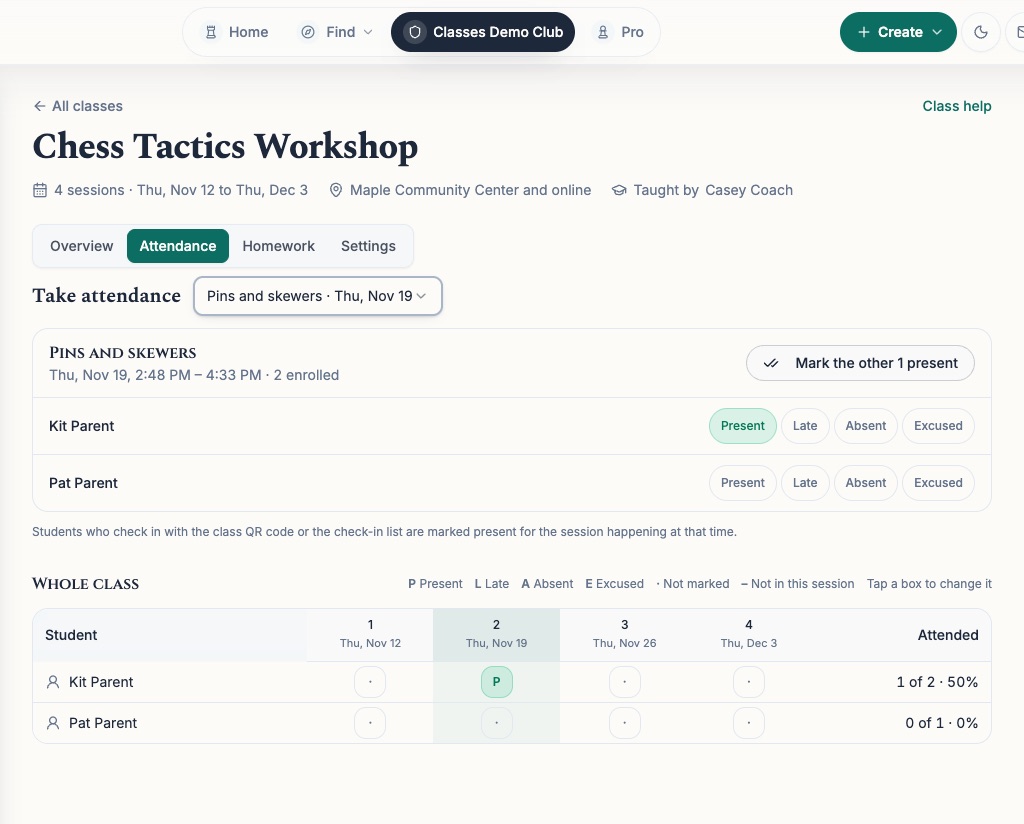
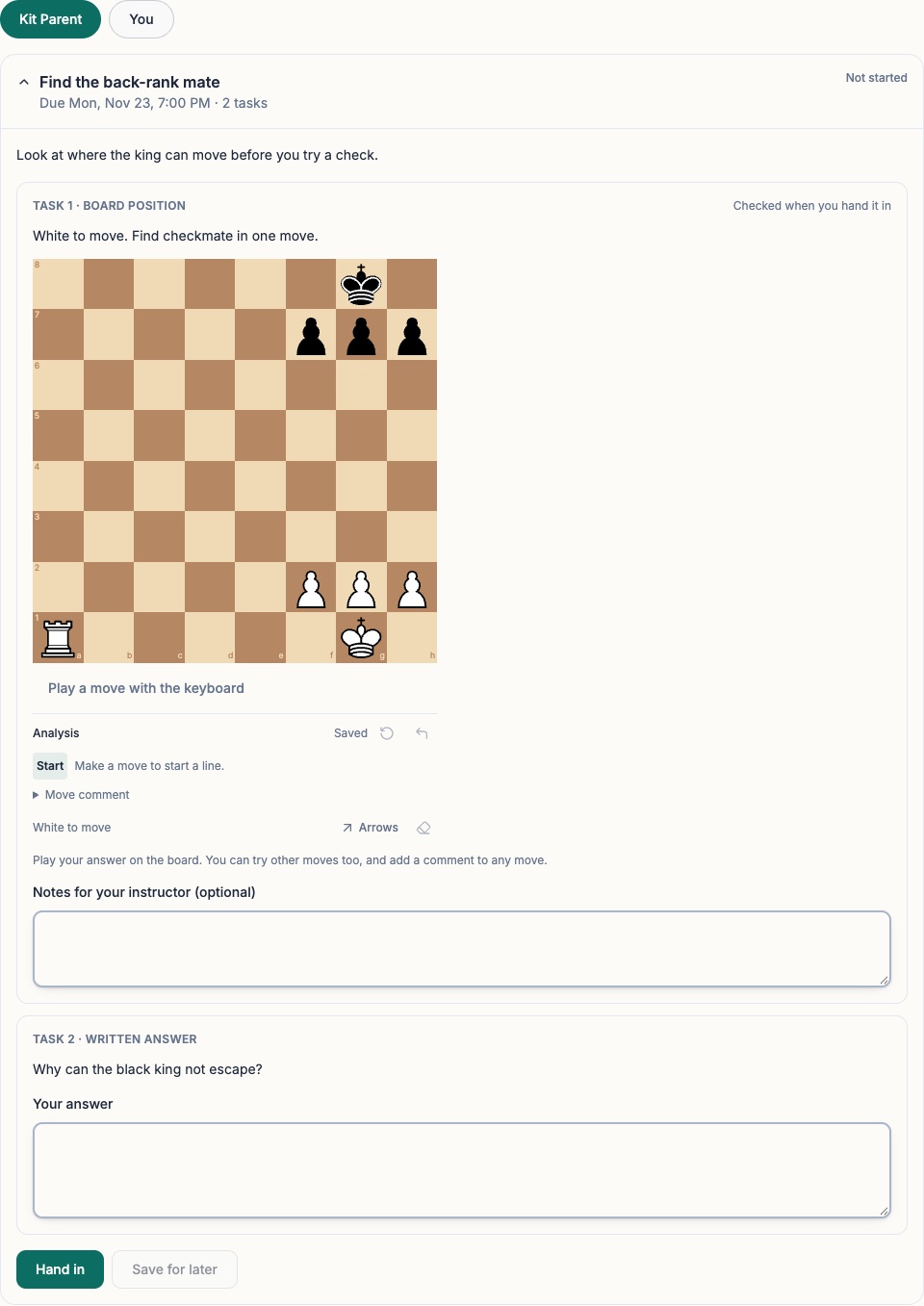
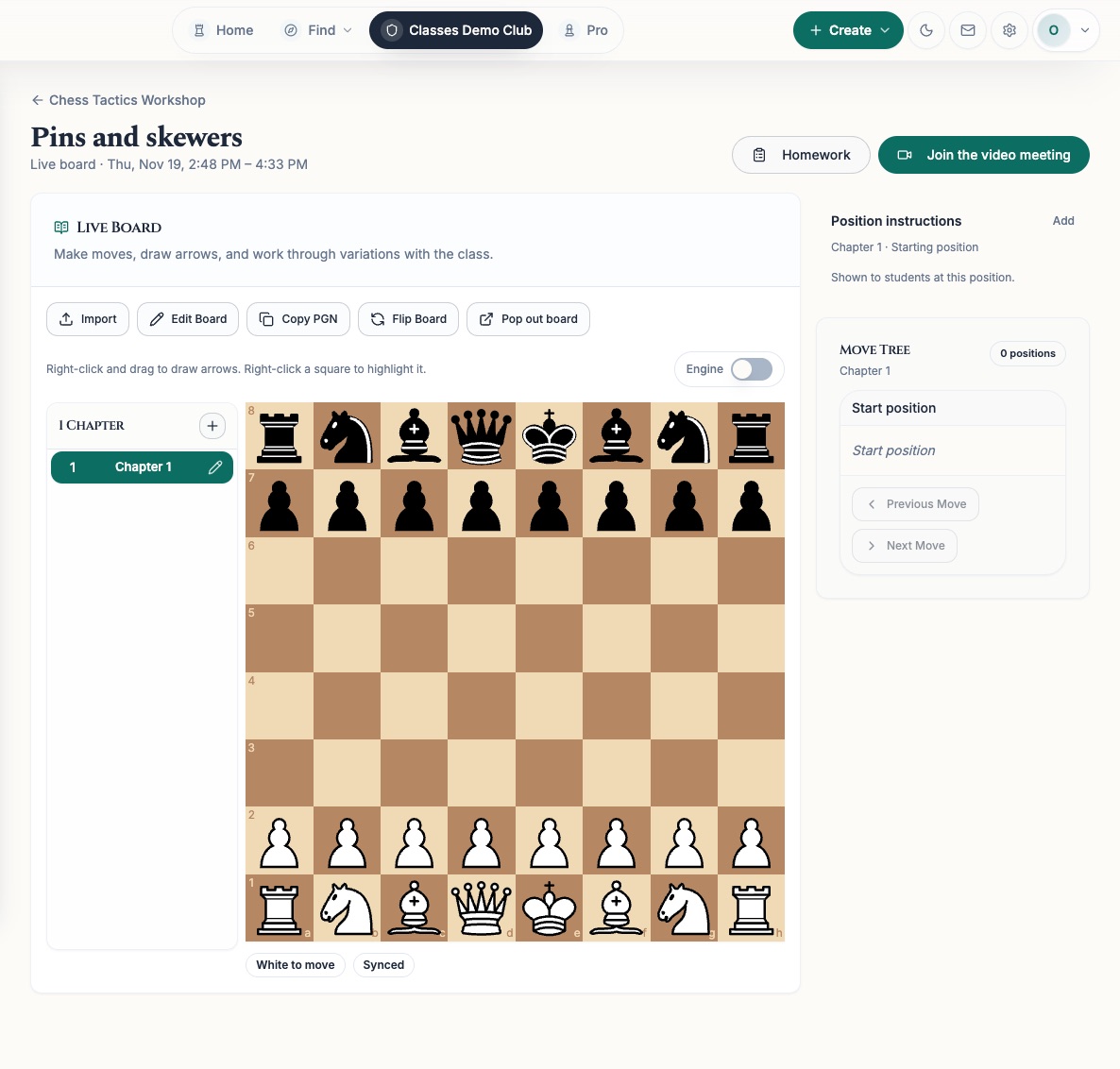
Pick the first date, start time, length, and number of weeks, then skip any holidays. For a camp, add each day in a row with its own hours.
Classes use your club’s event registration, so you get seat limits, waitlists, sign-up questions, discount codes, and online payment. Parents sign children up from their own account.
Mark each student present, late, absent, or excused. Students who check in with the QR code are marked present for that day’s session.
Ask students to solve a position, answer a question in writing, or share a game they played. Play the answer on the board and Chess67 can check each student’s move when they hand it in. Then read their work and leave feedback.
Set up a position, paste in a game, or bring in a game from Lichess or Chess.com. Students watch your moves or try their own. For video, add your own Zoom or Google Meet link.
Invite a coach to teach one class. They can take attendance, set homework, and write notes, but they can’t change the class details, price, or payments.
Keep one note the family can read and a second note only class staff can see.
Let students choose which sessions they’ll come to, and each session keeps its own seat limit. You can also let students who join partway through pay only for the sessions that are left.
Many clubs teach in blocks, such as four Saturdays at a time. Families who want to come back can keep their child’s seat for the next one.
Turn on “Let families stay enrolled.” Parents tick a box on the class page for each child who wants to come back, and you see the list in Settings.
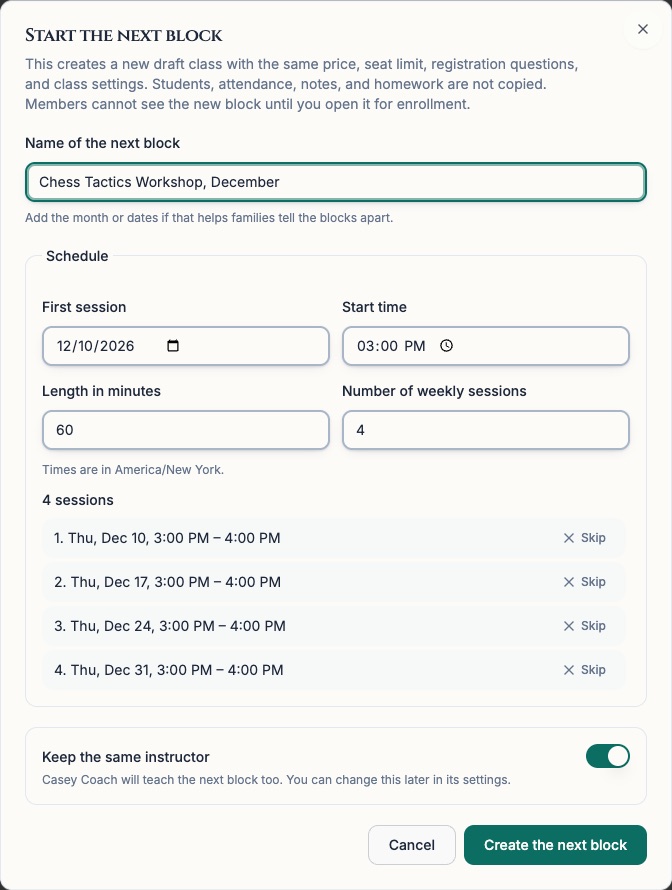
Chess67 suggests the same day, time, and number of sessions. The price, seat limit, sign-up questions, and instructors carry over. The class list, attendance, and homework start empty.
Hold a seat for each returning student. The family gets an email asking them to sign up, and nobody else can take that seat until they do or you free it up.
If your club takes card payments through Stripe, families can choose to pay for the next block automatically. They get an email with the date and the most they’ll be charged. If the card doesn’t go through, nothing is charged and the seat stays saved.
Your classes on the club’s Classes page, its calendar, and in search on Chess67
Every session date and time
Attendance and the instructor’s shared note for each child
Homework and the instructor’s feedback on it
The live board and video link for online sessions
A box to keep a place in the next block
Yes. Classes belong to a club on Chess67. A coach who teaches groups can create a club for free, then choose Create → Create a chess class or camp, or turn on Classes under Club Admin → More Features.
Classes are free on every plan. When families pay through Chess67, Chess67 keeps 2% of the payment and the card company takes its usual fee. Free classes have no fee.
Yes. Create the class with the first day, then add the rest of the days, such as four more days in a row. Each day can have its own hours, and families sign up once for the whole camp.
Yes. Turn on single sessions and students can choose which ones they’ll come to. Picking fewer sessions doesn’t lower the price on its own, so if you charge less for a drop-in, set that price when you set up registration and mention it in the class description.
Online classes use your own video call link, such as Zoom or Google Meet. Students open the call and the live board from the same class page.
Classes get their own Classes page in your club. They also appear on the club calendar and in search on Chess67. They’re kept off the Events list, so club nights and tournaments stay easy to find.
Create a club, add your dates, and keep the class hidden until the schedule and price are ready.