Go to the right place
Step by step
- Find a coach and open their public profile.
- Review their offers, prices, location or online format, and booking terms.
- Choose the lesson or product and select who it is for.
- Pick an available time when the offer supports booking. Check the timezone and any required details.
- Review the order and complete payment as offered.
- Check your confirmation and lesson details. Contact the coach if you need to change the booking.
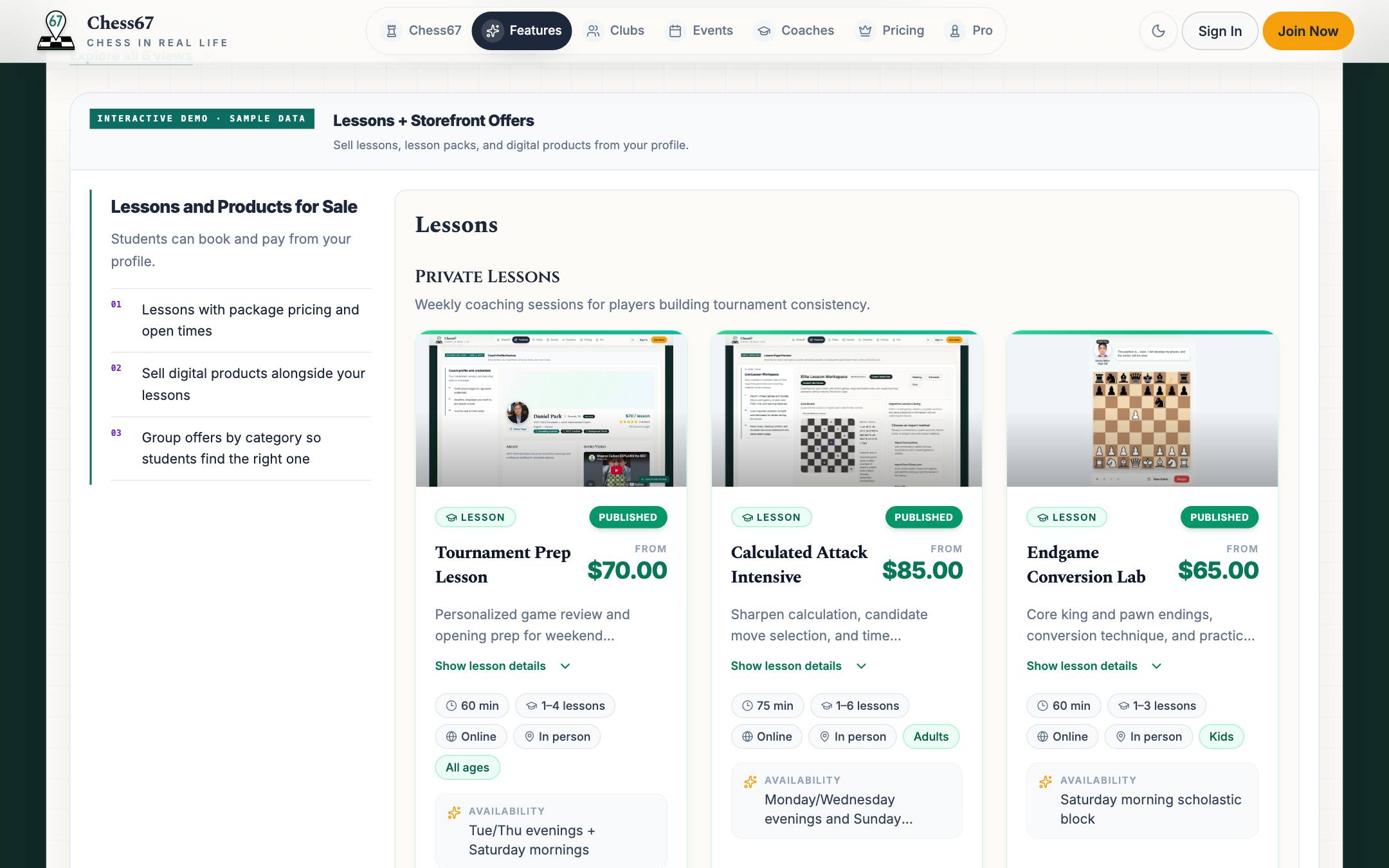
What it looks like
After you finish
Your confirmation identifies the purchased offer and any booked lesson time.