Go to the right place
Step by step
- Sign in and open your account calendar.
- Use the available date, activity, and family-member filters to focus the view.
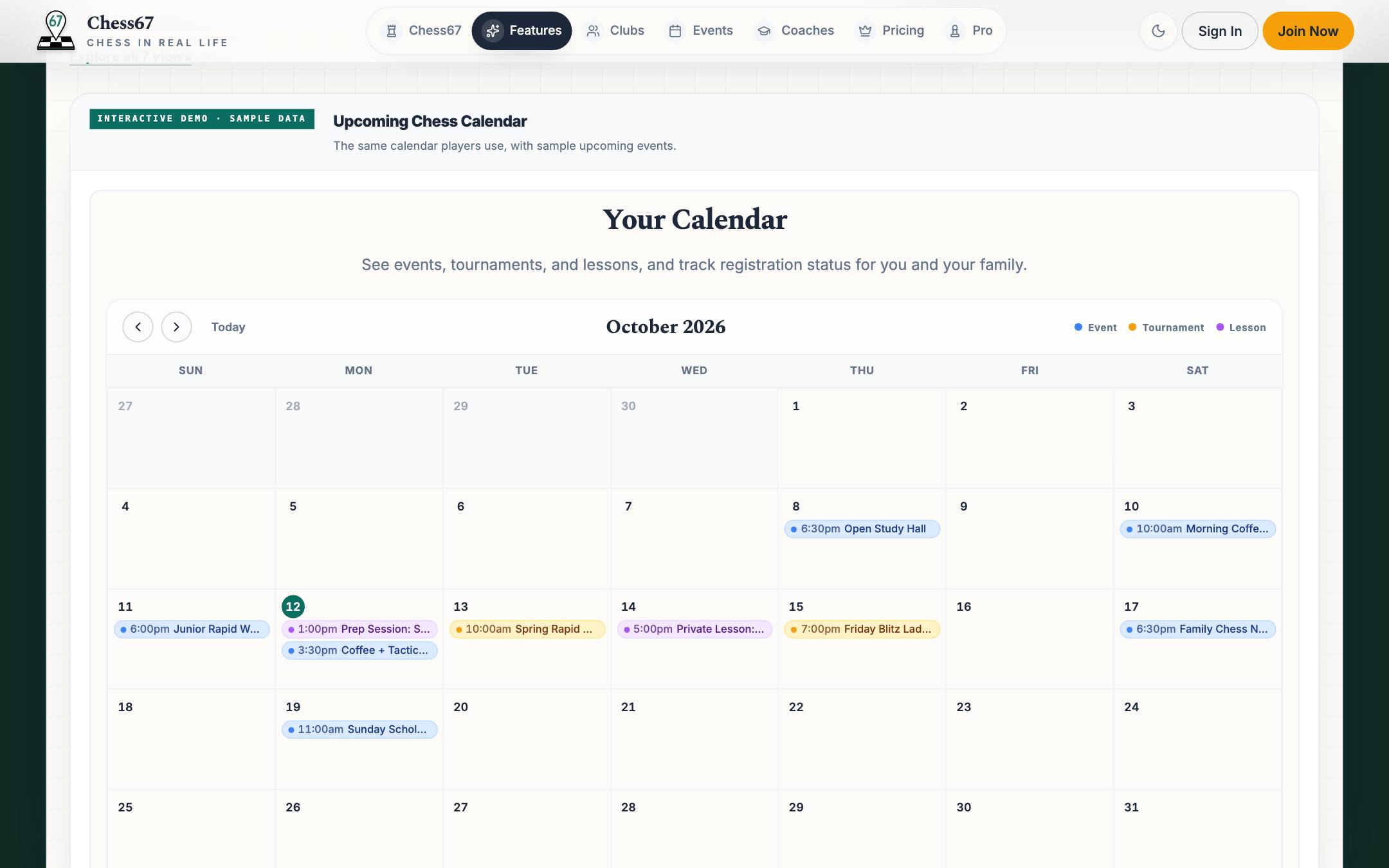
- Open an activity to check the full details, location, and registration status.
- Check the displayed timezone before planning travel or an online lesson.
What it looks like
After you finish
You can review your upcoming schedule and open the original activity pages.