Go to the right place
Step by step
- Open the tournament's Live Dashboard and player management tools.
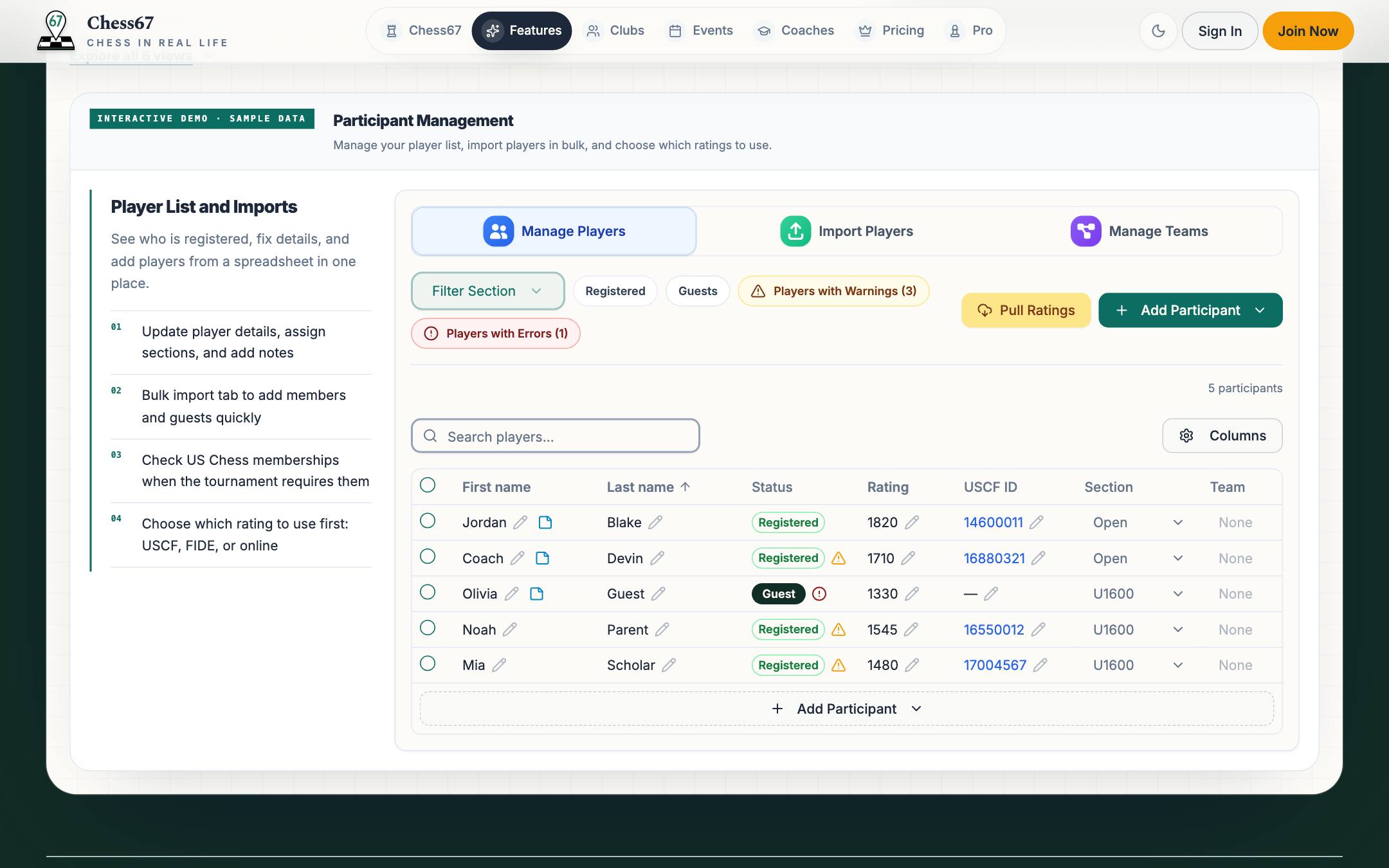
- Review each player's name, section, rating, and registration information.
- Use the available player controls to correct details, section placement, byes, or withdrawal status.
- Review check-in and attendance before generating the next round.
- Check the resulting roster and any warnings. If a change affects fees, handle the payment adjustment separately.
What it looks like
After you finish
The next pairing run uses the reviewed roster and participation settings.