Go to the right place
Before you start
Open the tournament as an organizer. Review section settings, the roster, and attendance before generating pairings.
Step by step
- Open the tournament's Live Dashboard and choose the section and round you are working on.
- Check players, byes, withdrawals, and any results still awaiting entry from earlier rounds.
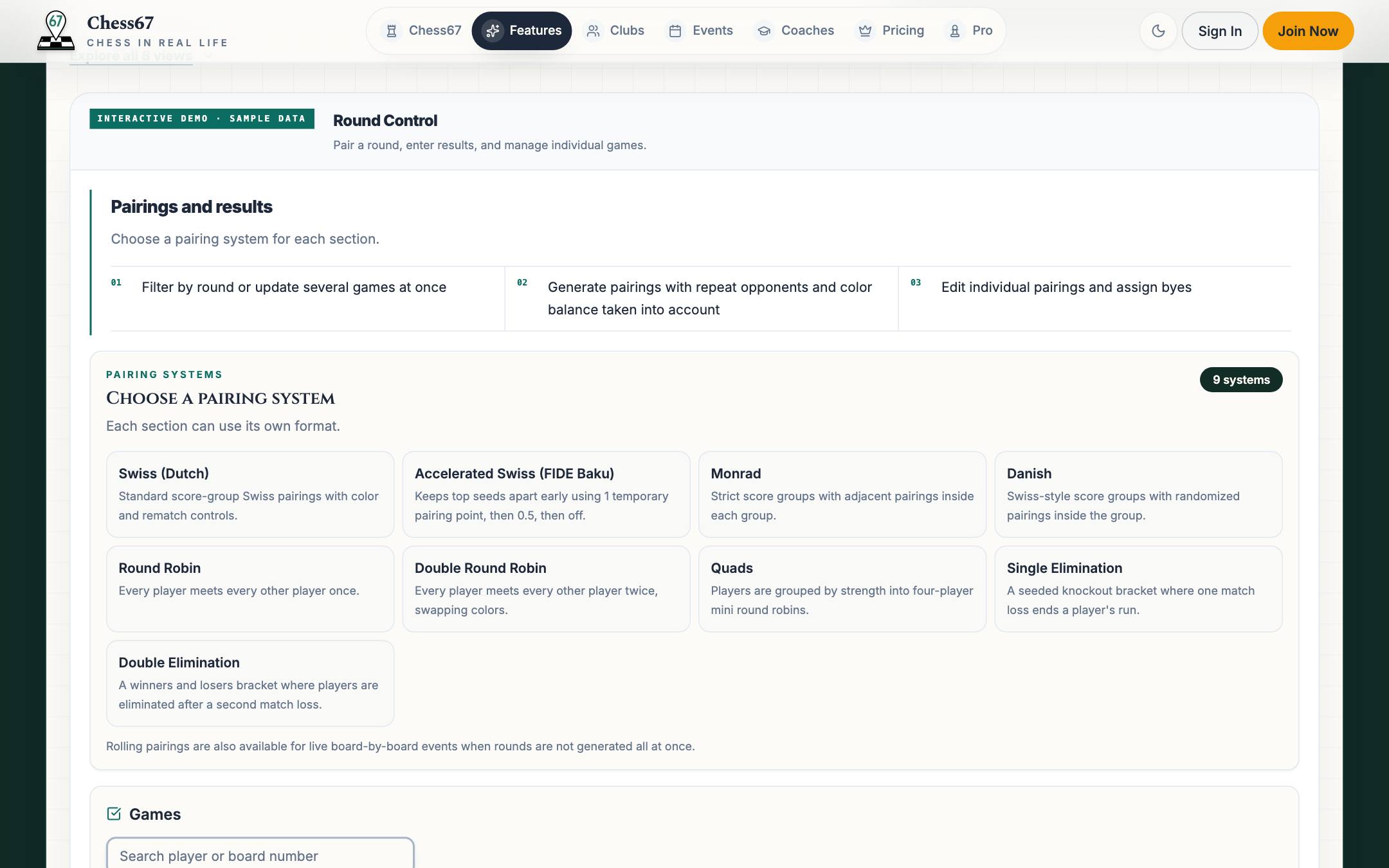
- Use the pairing generation controls and review the preview and warnings.
- Confirm the reviewed pairings, then share or print the pairing information for players.
- Record each game's result using the board or results controls and review the updated standings.
- Before generating the next round, check that the current round's required results and player changes are complete.
What it looks like
After you finish
The selected round has reviewed pairings and results, and the standings reflect the recorded games.
If you get stuck
Watch the tutorial
Plays here without leaving Chess67.Watch on YouTubeFull playlist
Open the Live Dashboard, manage players, generate Swiss pairings, review byes and withdrawals, record results, and move between rounds.