Go to the right place
Step by step
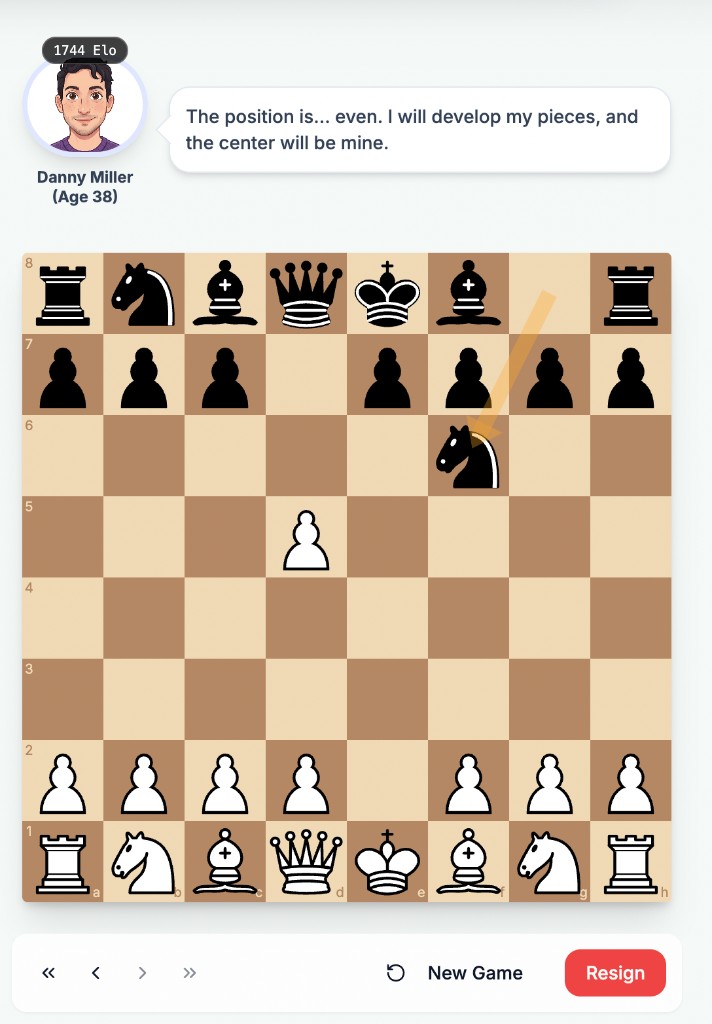
- Choose the coach bot and playing side, then start the game.
- Make a legal move on the board and wait for the bot to reply.
- Read its comments when available, using the board position to judge what they refer to.
- Use the move navigation controls to review earlier positions. Return to the latest move before continuing the live game.
- Finish the game normally, or choose Resign and read the confirmation if you want to end it. Use New Game for a fresh practice session.
What it looks like
After you finish
You can practice against the bot and review the comments and moves from that game.
Bot comments can be incomplete or mistaken. Check the position and use game analysis when you need to verify a claim.