Go to the right place
Step by step
- Select the first image in Scoresheet Scanner.
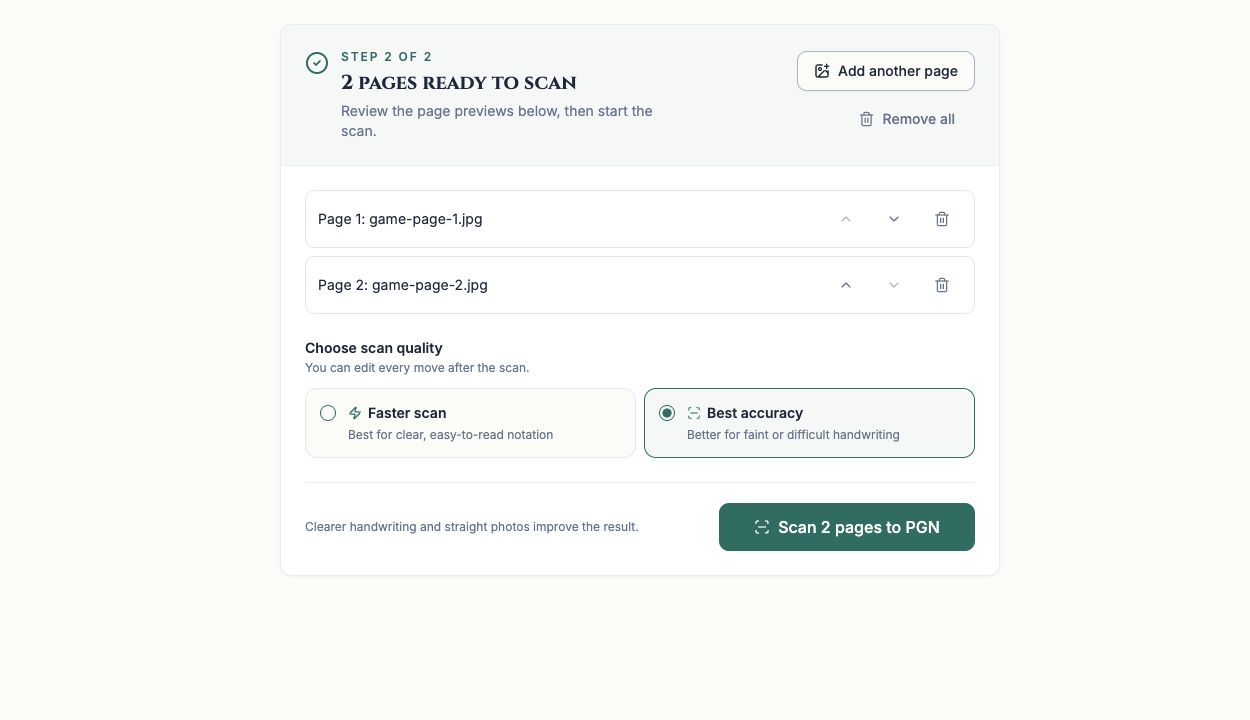
- Use Add another page for the same game's remaining pages, up to the five-page maximum.
- Review the page previews and filenames against the move numbers on each original page.
- Use Move page earlier or Move page later to correct the order. Remove a duplicate or unrelated page with its remove control.
- Choose scan quality and start the scan only after the order matches the original game.
What it looks like
After you finish
The scanner receives one game's pages in the reviewed order.