Go to the right place
Step by step
- Sign in as the student or as the adult who manages their profile. Open the club’s Classes list and choose your class. If you’re on the registration page, choose Open the class page.
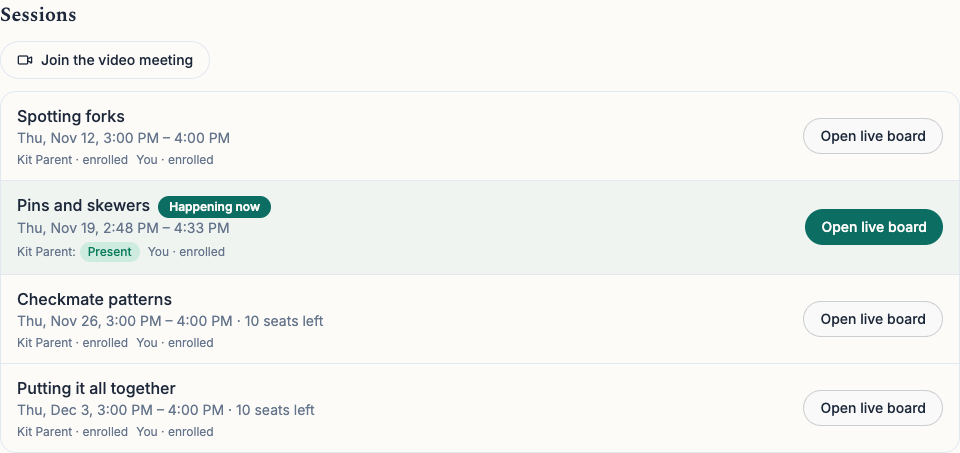
- On Overview, find Sessions and check the date and time for the right session. If you’re joining in person, check the location at the top of the class page.
- For an online session, choose Join the video meeting if the instructor has provided a link. It opens in a new tab. Select Open live board next to the session to follow the instructor’s chessboard, and keep both tabs handy.
- On the live board, choose Try moves yourself to practice without changing the instructor’s board. Choose Back to the instructor’s board when you’re ready to follow again.
- Open Progress on the class page to see each enrolled family member’s attendance and homework summary. If the instructor shared a note, it appears under Note from the instructor.
What it looks like
After you finish
You can find the right session, follow along online, and see what the instructor has recorded for you or your child.